NOTI143US - R00.doc Translation of the original instructions 11/25
For your information, hereafter are some values about the distance between the stylus
and the part depending on the marking force :
Maximum distance between the stylus and the part : 9 mm
We recommend that you make trials before marking a new part.
4.3. Launch / Stop the marking
o Set the controller in marking mode (for more information, please see the software
manual)
o Position the part to be marked
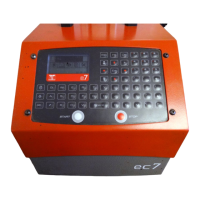
o Launch the marking by pressing the "Start" button on the control handbox or the
"Marche" button on the gun handle (portable type machine)
o To stop the marking, press the "Stop" button on the control handbox or press the
"Marche" button of the gun handle for more than 2 seconds.


 To Next Page