NOTI143US - R00.doc Translation of the original instructions 7/25
2.2. Connections
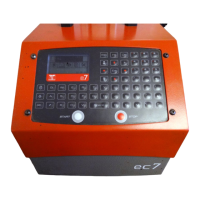
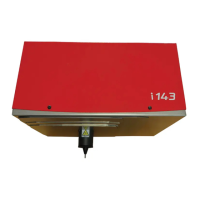
Using the SUB-D 25 connector, connect the marking machine to the "marker"
connector located at the rear of the controller. For the integrated type machines,
proceed the same way using a connection cable.
Correctly fasten the screws of the connector.
Note : for more details about the connections, please check the controller manual.
Never unplug the controller when it is under tension as
it may seriously damage the material.


 To Next Page