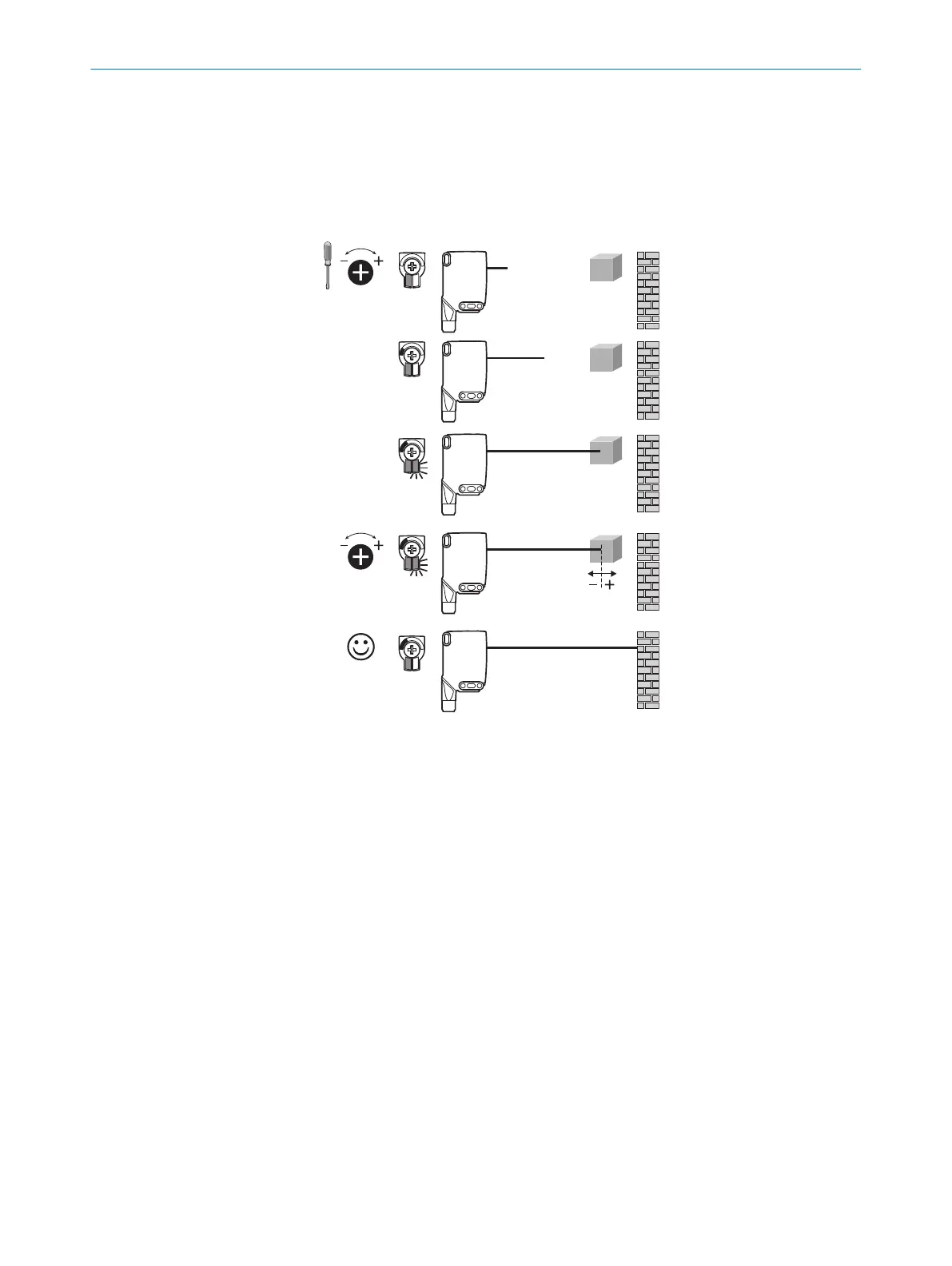
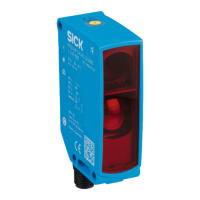
WTB26 x-xxxxxx1 xAxx with Potentiometer:
The sensing range is adjusted with the potentiometer.
Clockwise rotation: sensing range increased.
Counterclockwise rotation: sensing range reduced.
We recommend placing the sensing range in the object, e.g. see figure 8. Once the sensing
range has been adjusted, the object is removed from the path of the beam, which causes
the background to be suppressed and the switching output to change (see table 2, table 7,
table 3).
Figure 8: WTB26 x-xxxxxx1 xAxx, adjusting the sensing range with potentiometer
7
COMMISSIONING
12
8020354.14CS | SICK
Subject to change without notice











 To Next Page