1) Press the arrow button can view the details after entering the running function
interface, and press ESC to return to main menu.
2) Press the arrow button can view the details after entering the function settings
interface, press the ESC to return to main menu
3) Parameter which has been selected and changed will be highlighted. Press arrow
button to change the value and press ENT to confirm it. Once confirmed, it will not
be highlighted.
4) Press the arrow button can view the detailed alarm info after entering the alarm info
interface, press the ESC to return to main menu
3 Priority of info displayed on LCD
1)
If there is alarm but no valid operation on buttons, the alarm info with top priority
will be shown on LCD automatically
2) When there isn’t any alarm and the LCD is displaying the submenu of running
parameters, such as output current, these parameters will be always displayed
on the LCD if no further operation on buttons. If the LCD is not displaying the
submenu of running parameters, it will return to main menu in 30s as long as
there isn’t any operation on buttons
Appendix 1 Specifications



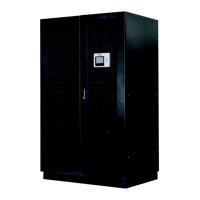
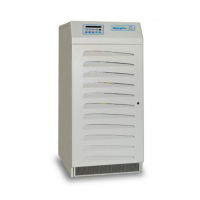



 To Next Page