EcoView MicroPad Controller
0
12 | 62
EcoView Energy Management System
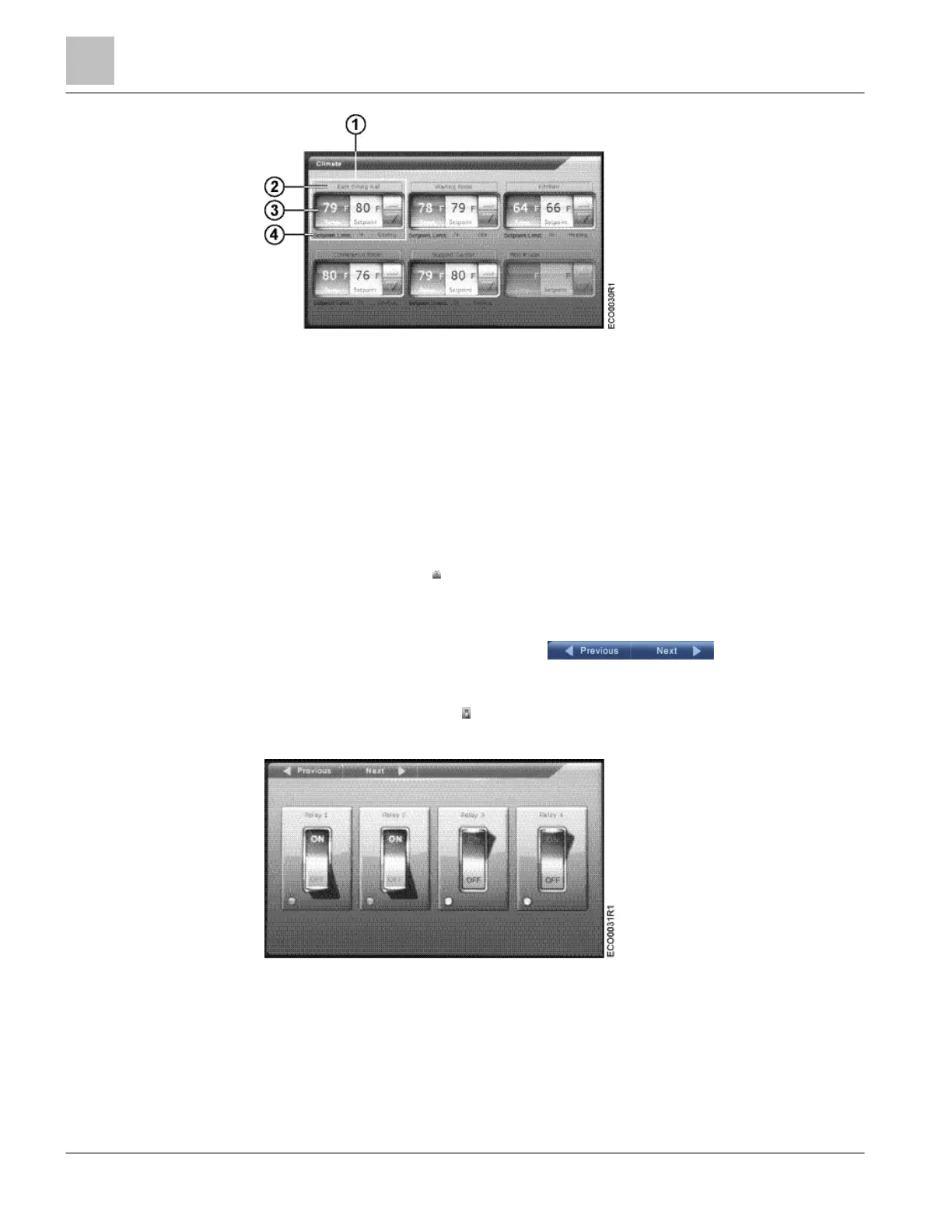
Figure 3: Climate Screen.
1 Device setpoint and arrow controls
2 Name of the device
3 Current temperature
4
Setpoint limit and current operating mode and state for
this device
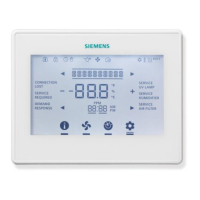
On/Off Screen
Press the On/Off button to manually control a specific piece of equipment in the
facility.
● The On/Off screen has two pages; four controls are displayed on each page.
● Press the Previous and Next buttons to toggle between
pages.
● Press the On/Off control to manually switch individual pieces of equipment ON or
OFF.
Figure 4: On-Off Screen.
Temperatures Screen
The temperatures screen is reserved for future use.



 To Next Page