44 | 62
EcoView Energy Management System
Site Schedules
This topic outlines how to set up a site schedule.
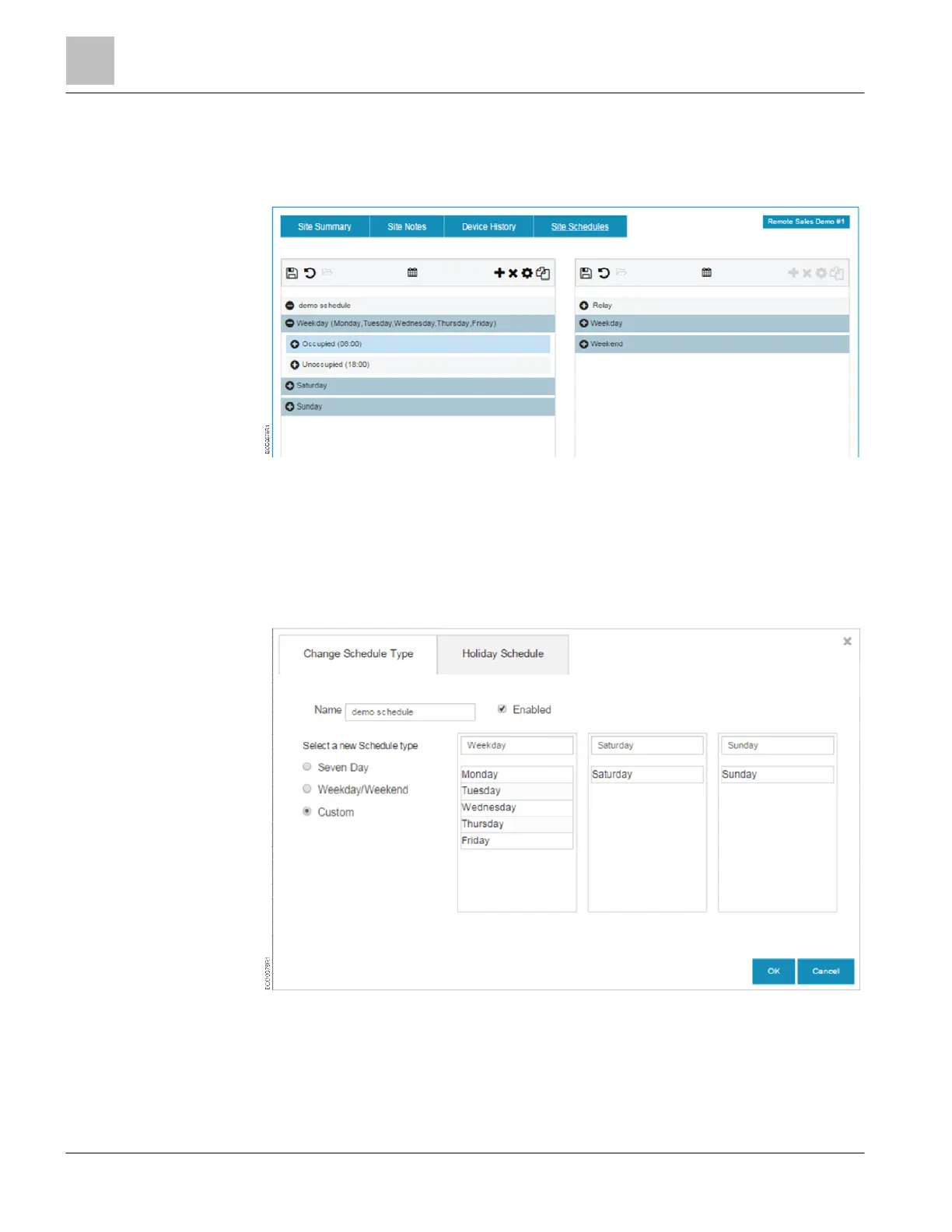
1. Click Site Schedules to create an automated schedule for a site.
2. Click the calendar icon to select the type of schedule:
– Seven Day - Each day has a unique schedule.
– Weekday/Weekend – Monday through Friday use the same schedule, Saturday
and Sunday use the same schedule
– Custom – Customize up to three schedules.
a. Drag and drop the days to any of the schedules.
b. Name the Schedule in the header box.
3. Click OK.



 To Next Page