17 |
Siemens Industry, Inc.
EcoView Energy Management System
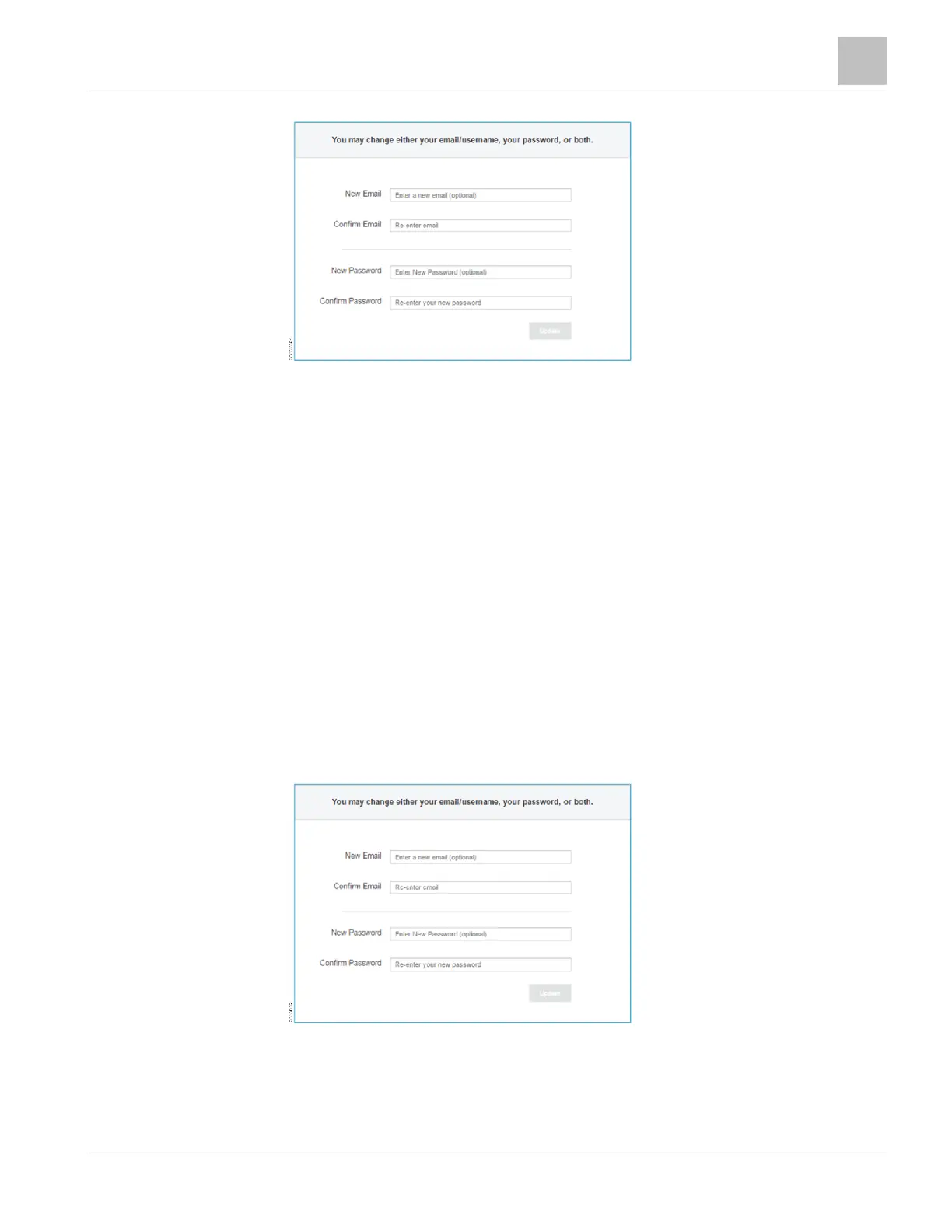
Figure 8: Managing Your User Account.
Changing Your User Name
Do the following to change your user name:
1. From the main menu, click Settings.
a The Settings page displays.
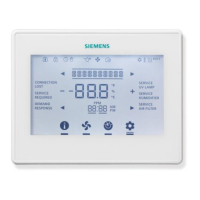
2. Type a new email address in the New Email field.
3. Type the same email address in the Confirm Email field.
4. Click the Update button.
a The message Username reset displays.
a The next time a selection is made, you will be logged out and the EcoView
Web login page will display.
5. Type your new email address and password in the appropriate fields and click
Login.
a The Site Explorer [} 32] displays.
Figure 9: Managing Your User Account.



 To Next Page