45 |
Siemens Industry, Inc.
EcoView Energy Management System
Holiday Schedule
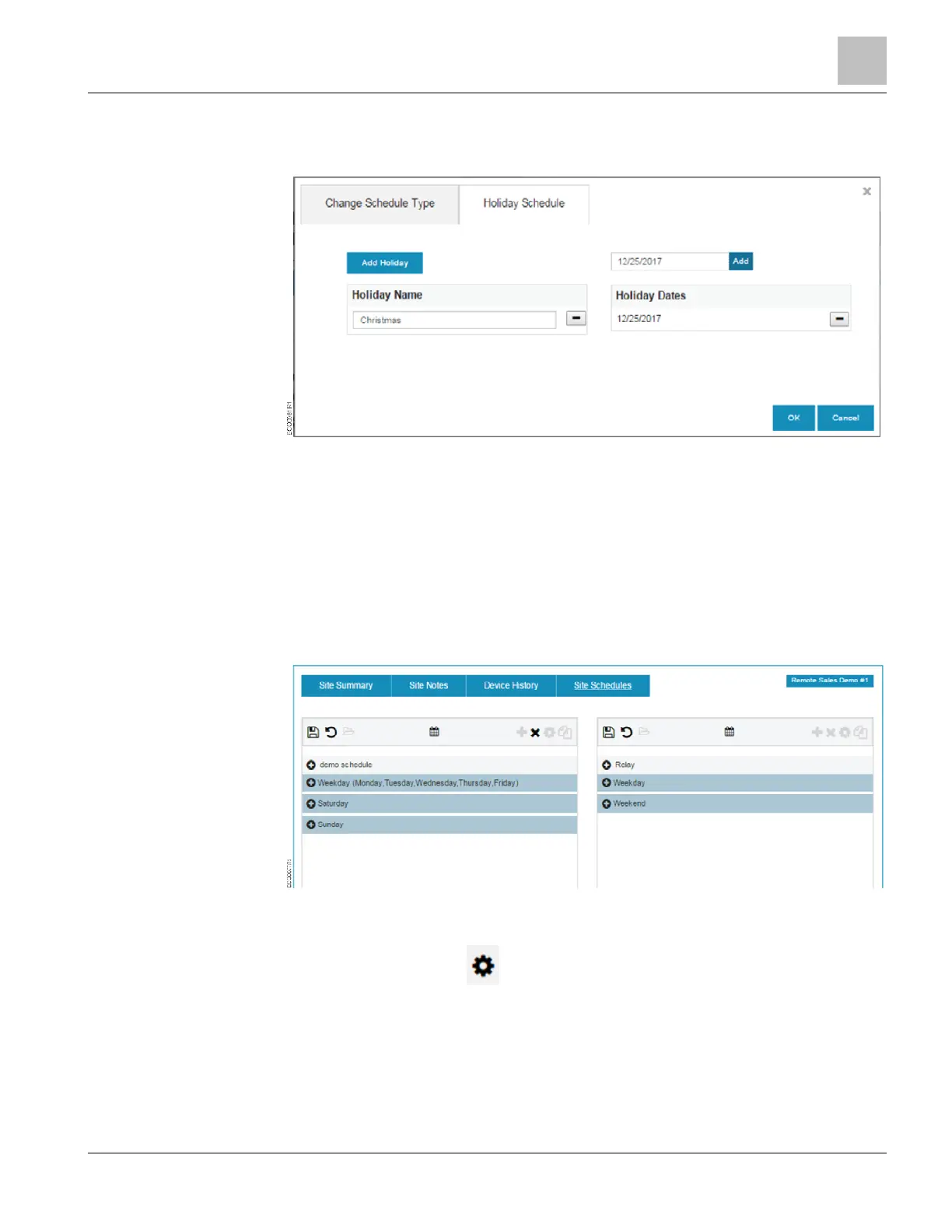
1. Click the Holiday Schedule tab to create holiday schedules for any date.
2. Click the Add Holiday button.
3. Select the Holiday Name box and assign the holiday a name.
4. Select the Holiday Dates box to display the pop-up calendar.
5. Select the date for this holiday.
6. Click the Add button.
7. Click the OK button.
Editing the Transition Settings
1. In the Schedule viewer, click on the + next to the Schedule header to display all of
the transitions in that period.
2. Click on the gear icon to update the transition settings.



 To Next Page