50 | 62
EcoView Energy Management System
Deleting Commands or Transitions
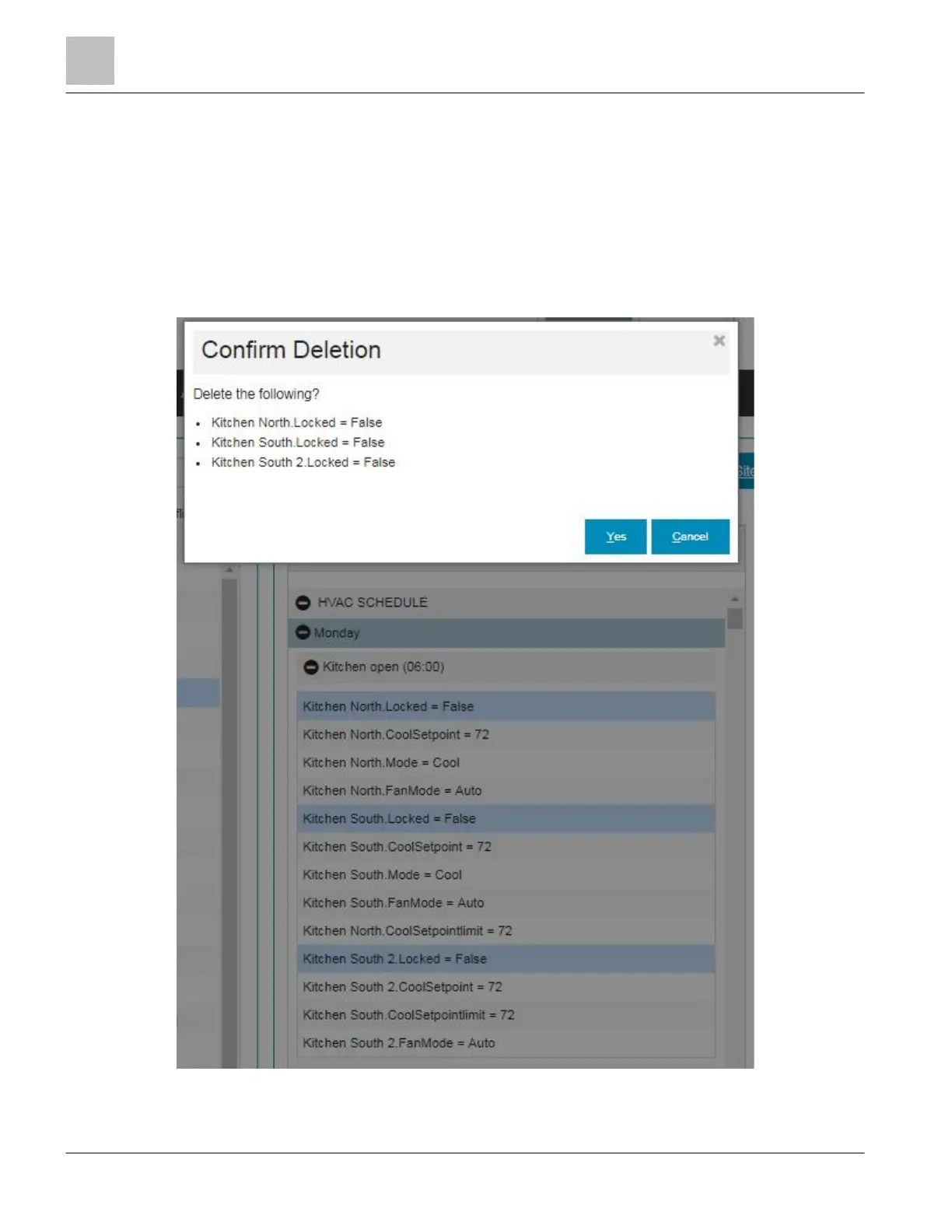
To delete an individual command or complete transitions:
1. Click on the command or transition name to highlight the item.
2. Click the [x] on the toolbar.
3. Multiple commands or transitions can be selected by clicking one item then holding
the Ctrl key (Windows), or the Command key (Macintosh) on the computer, and
clicking additional items.
4. Click the [x] on the toolbar.



 To Next Page