DISPLAY MODULE AND OFFICE CONFIGURATION EDITOR
_________________________________________________________________________________________________________
3-72
SIG-00-22-02 JUNE 2022 (Revised September 2022)
Version: B.1
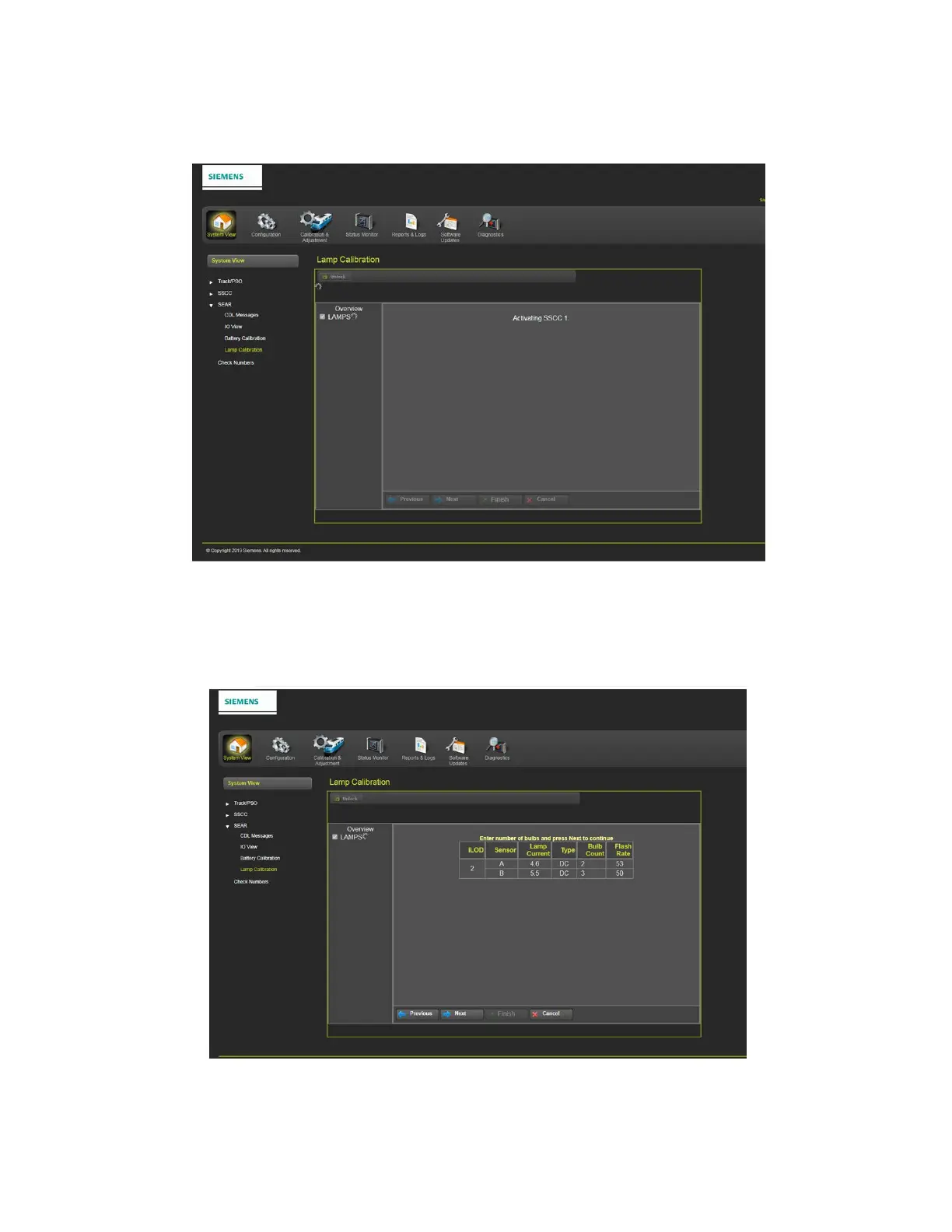
The next screen shows activating of SSCC 1.
Figure 3-113 Lamp Calibration – Activating SSCC 1
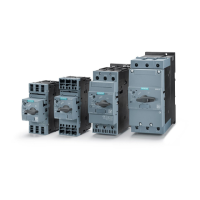
The next screen in the calibration process requires entering the number of bulbs being used.
After entering the bulb count, click on the Next button to continue as shown in Figure 3-114.
Figure 3-114 Lamp Calibration – Number of Bulbs











 To Next Page