Company Confidential s Com
Copyright 2005© Siemens AG
Page
7 of 15
TI_Repair_L2.5l_CX75_M75_R1.0.pdf Release 1.0
Important additional soldering hints
The MMC Reader is located on the opposite of the SLIM-Lumberg connector.
Therefore the risk to damage the plastic material of this MMC-Reader is
potentially high if excessive heat is used while removal or soldering of the
SLIM-Lumberg connector.
Please follow these instructions:
a) Remove the SLIM-Lumberg connector with a soldering iron and Desolder
Wick
b) Clean the Pads afterwards
c) Solder the new connecter by using soldering iron under consideration of
the max. allowed temperature range.
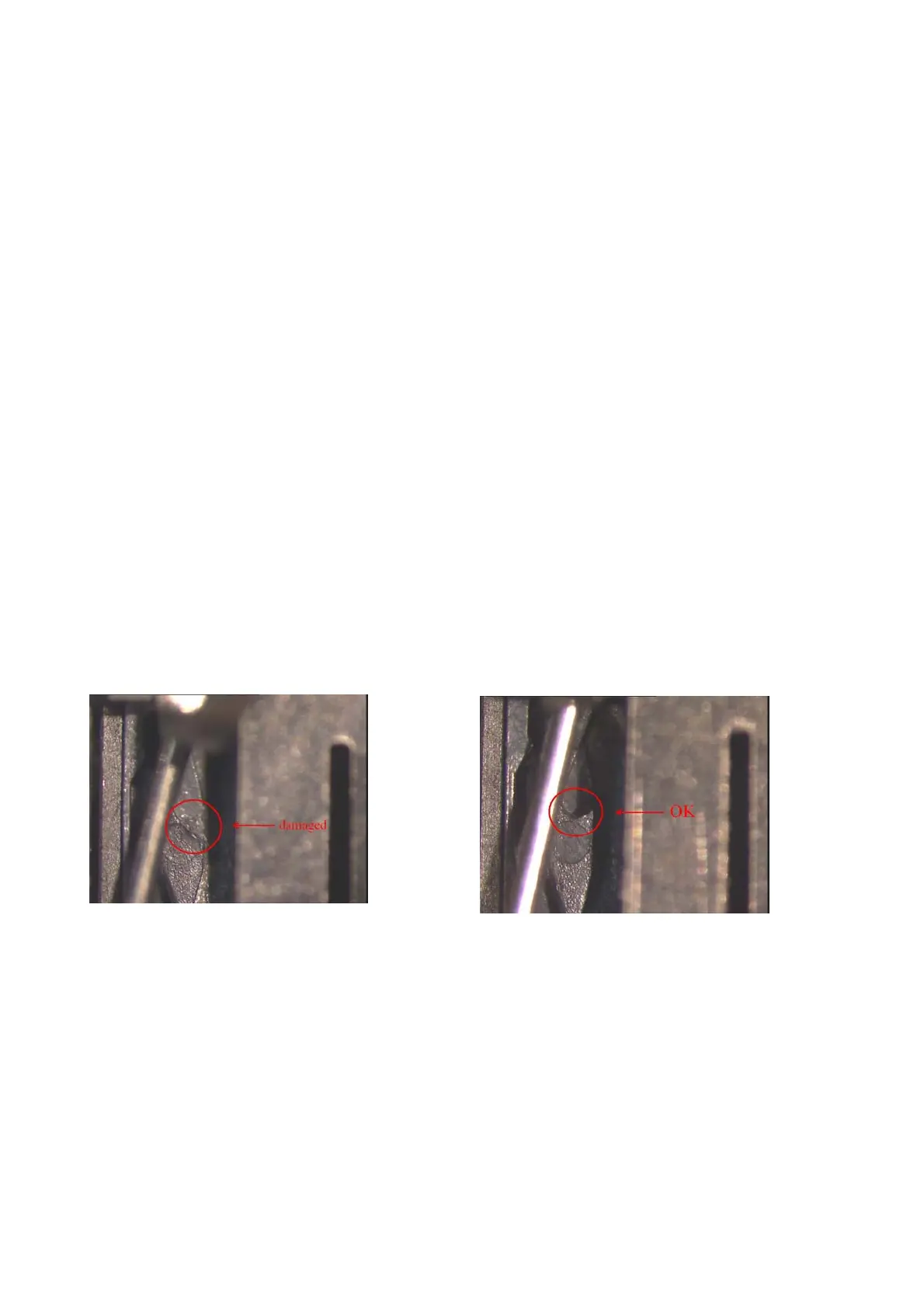
Samples of critical area:
Lock mechanism damaged Lock mechanism OK



 To Next Page