2 Engineering of the STEP 7 Program
Reading out UID with SIMATIC RF1070R
Article ID: 109780625, V1.0, 09/2020
© Siemens AG
2020 All rights reserved
2.5 Diagnostics and error messages
The "ReadUID" function block provides the status of the instruction via the output
parameter "status" and, in the case of an error, various error messages via the
"status" and "diagnostics" output parameters.
Status of the instruction
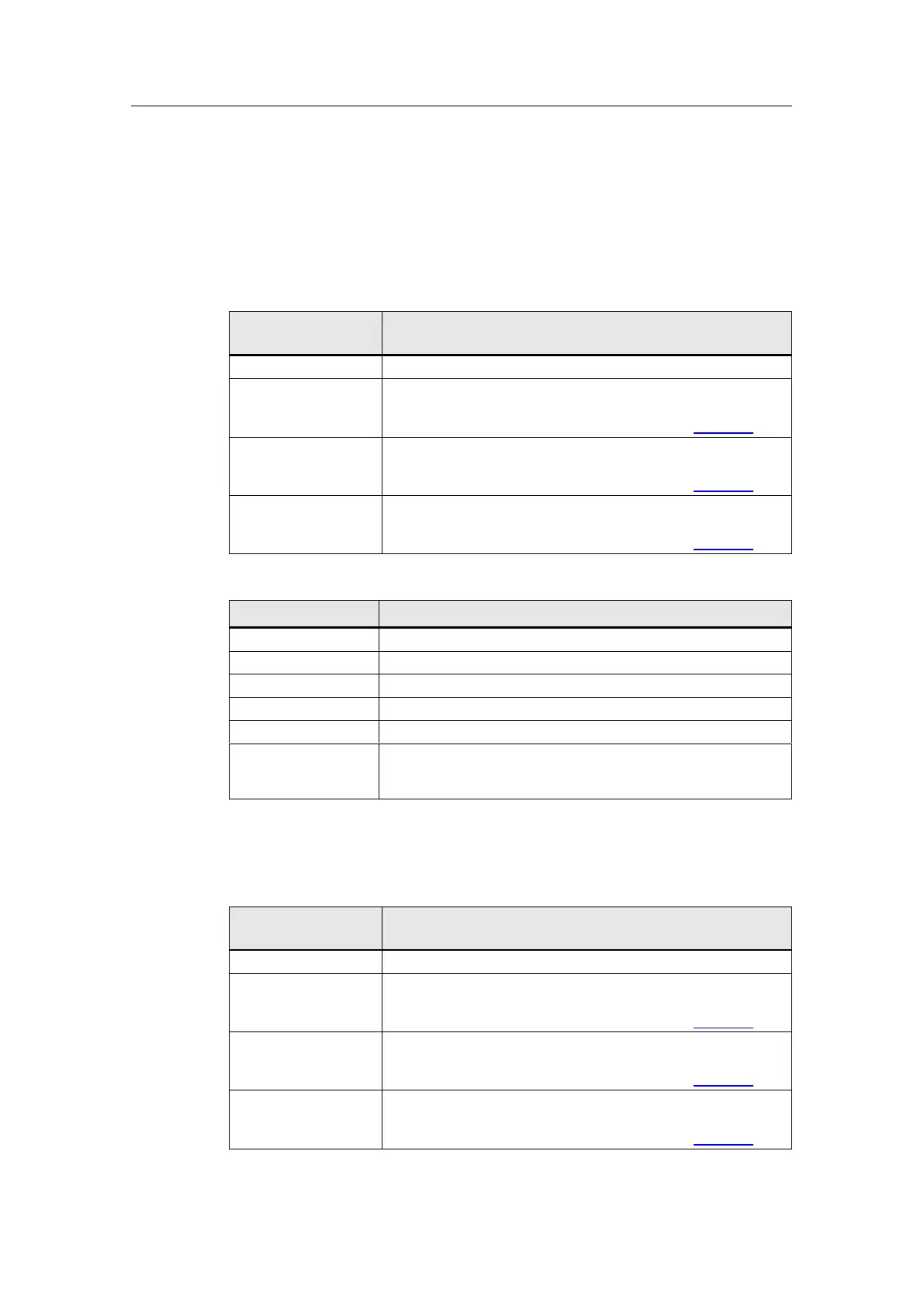
The following table provides an overview of the instruction status.
Table 2-4
"status"/
"diagnostics.status"
Reader error. No card has been selected.
"Port_Config" error
The status or returned value from the internal instruction can be
found in the tag "diagnostics.subfunctionStatus" (Table 2.6).
"Send_P2P" error
The status or returned value from the internal instruction can be
found in the tag "diagnostics.subfunctionStatus" (Table 2.6).
"Receive_P2P" error
The status or returned value from the internal instruction can be
found in the tag "diagnostics.subfunctionStatus" (Table 2.6).
No job processing active.
Initial call when job is started.
Second call when job is started.
Monitoring of the antenna field of the RF1070R reader.
New UID has just been read.
The parameterization of the CM1241 RS232 communication
module and resetting of the SIMATIC RF1070R reader have
been completed successfully.
Error messages
The following table provides an overview of the error messages from the
"ReadUID" function block.
Table 2-5
"status"/
"diagnostics.status"
Reader error. No card has been selected.
"Port_Config" error
The status or returned value from the internal instruction can be
found in the tag "diagnostics.subfunctionStatus" (Table 2.6).
"Send_P2P" error
The status or returned value from the internal instruction can be
found in the tag "diagnostics.subfunctionStatus" (Table 2.6).
"Receive_P2P" error
The status or returned value from the internal instruction can be
found in the tag "diagnostics.subfunctionStatus" (Table 2.6).










 To Next Page