Copyright © Sigicom AB 2020 36
6.9.10. GUI Passcode
To prevent unauthorized access, a passcode (not changeable) can be
activated for the GUI.
If the passcode is inactive, activate it through the menu:
→ Settings and actions → GUI Passcode.
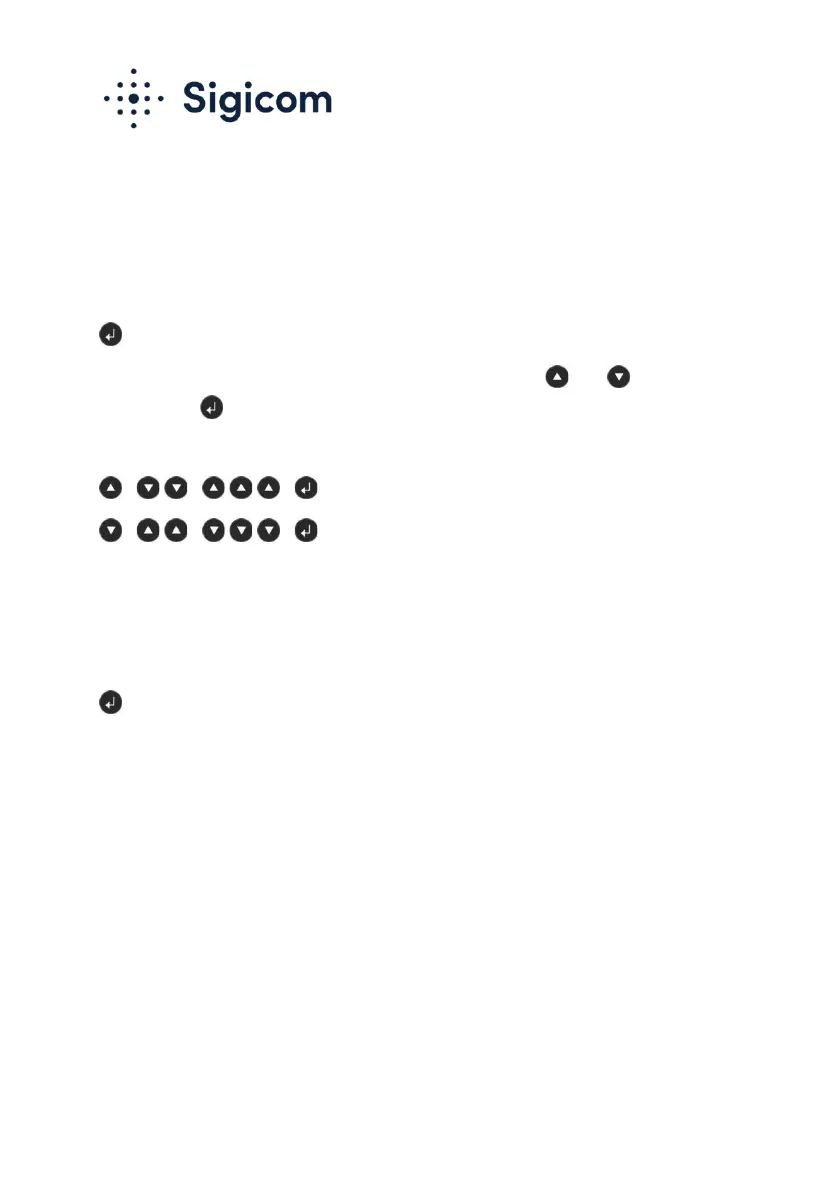
The passcode is then entered at start-up by pressing the and keys,
followed by .
The passcode is: “1-2-3”. It can be entered in one of the following ways:
. or
.
If the passcode is active at display start-up, and the passcode is entered
incorrectly or not entered at all, the GUI will be opened in a ‘view-only’
mode. All settings and actions (including monitoring start) are prohibited.
An active passcode may be deactivated in the following way:
→ Settings and actions → GUI Passcode.
6.10. Disable Communication
Flight mode means that all communication is disabled and is configured
by removing or renaming the file ftpserver.txt in the config directory of
the memory card.


 To Next Page
 Loading...