Need help?
Do you have a question about the Sigicom INFRA D10 Micro and is the answer not in the manual?
Description of the INFRA D10 datalogger, its compatibility, data buffering, and communication features.
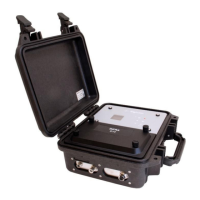
Details the INFRA D10 Micro datalogger and its key differences from the standard INFRA D10.
Safety precautions for using Li-Ion batteries with the INFRA D10, including charging and handling.
Safety guidelines for Lead-Acid batteries used with the INFRA D10 Micro, covering installation and handling.
Overview of configuration options available via INFRA Net and the graphical user interface (GUI).
Steps to configure INFRA Net communication using text files on the memory card.
Guide for setting a custom APN for mini-SIM cards using the extapn.txt file.
Procedure for starting up the D10/D10 Micro and initial screen display.
Instructions on how to initiate the monitoring process and check status.
Steps to stop the monitoring process and update the instrument's status.
Viewing and changing monitoring parameters for individual sensor nodes.
Indicating and handling error codes displayed on the main screen.
 General
| Brand | Sigicom |
|---|---|
| Model | INFRA D10 Micro |
| Category | Data Loggers |
| Language | English |


 To Next Page