Copyright © Sigicom AB 2020 11
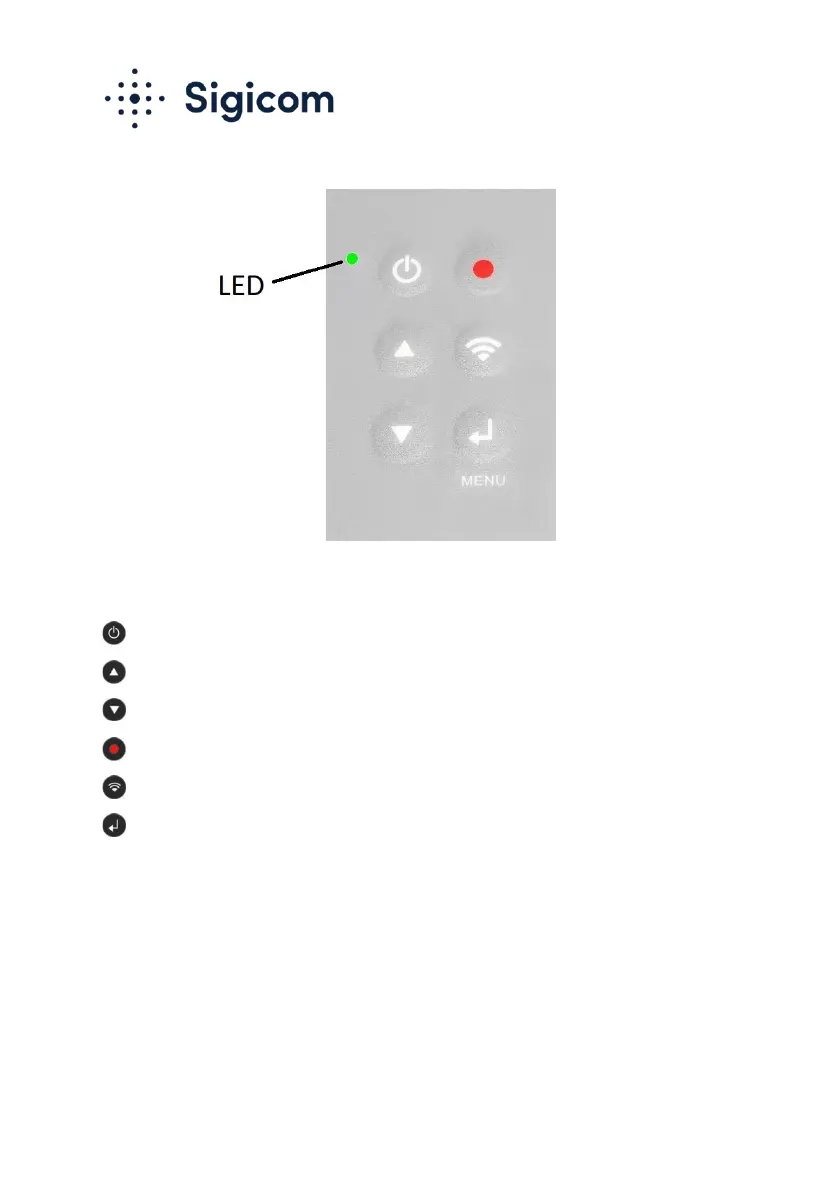
Figure 1. Six-button keypad
Display ON / Exit / Cancel / Display OFF
Up / Increase
Down / Decrease
Monitoring start/stop
Communication status / Manual connection
Menu / Enter / Acknowledge
For more information about operation of the graphical user interface, see
chapter 6 Operation.
4.2. Display
A color display is used to show data and status. Here is the Main screen:


 To Next Page
 Loading...