The Supplied DVD
Navigation Device PNA-E3540N 103
Appendix
4.3 The Supplied DVD
By using the supplied DVD you can install or uninstall any maps or guidance
voices.
Please note that the navigation device must be connected to the
computer (see page 102).
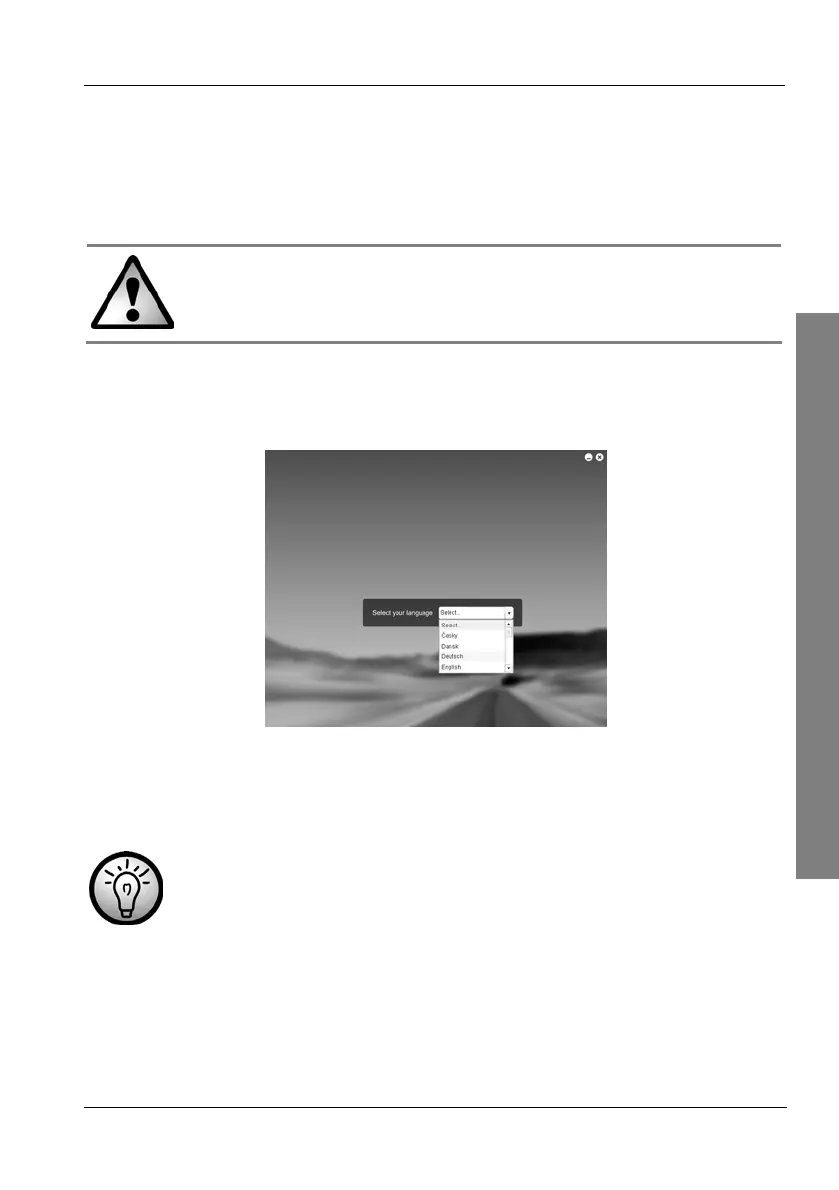
Insert the DVD into your DVD drive. The following menu should appear
automatically:
Tap the radio button behind Select and choose the desired language
from the list by tapping on it.
If the autorun function is disabled on your computer, you can
launch the setup manually by double-clicking the file
"installer.exe" from the "Installer" folder on the DVD.



 To Next Page