Route Settings
Navigation Device PNA-E3540N 73
Navigation
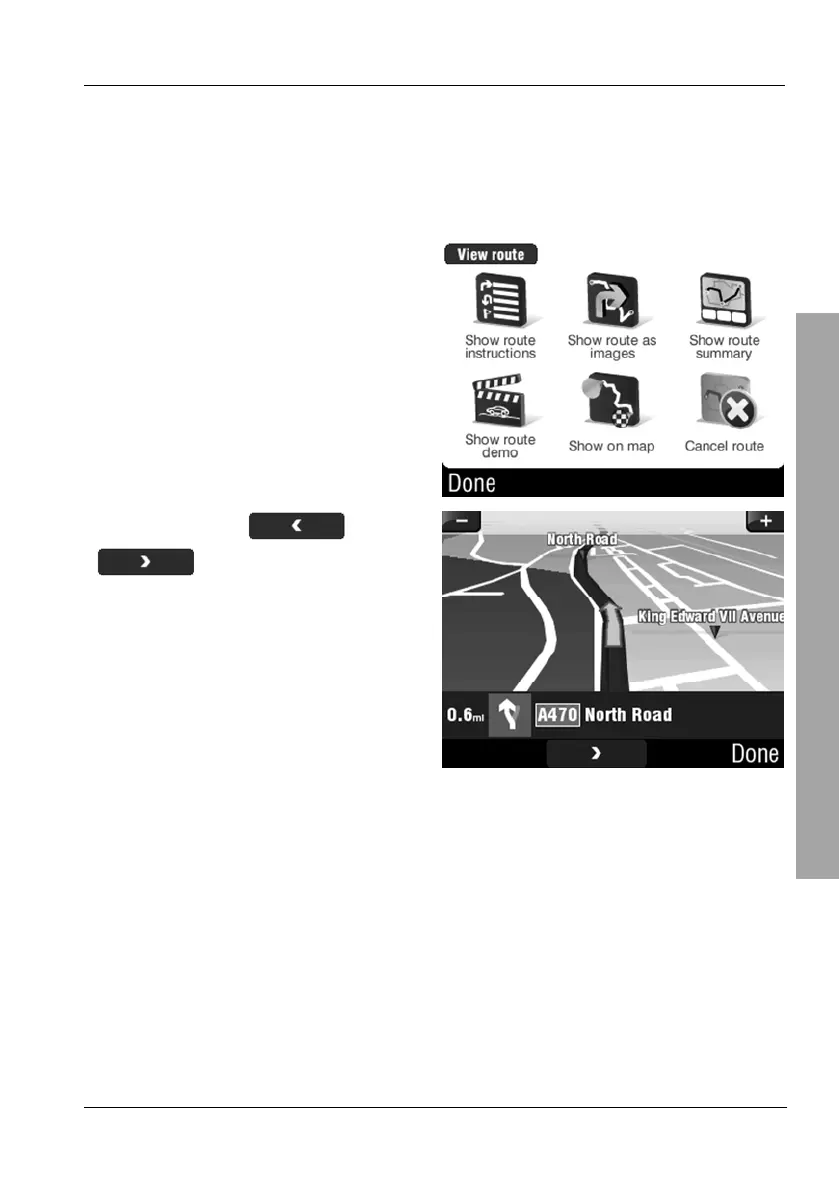
3.7.5 Show route as images
You can view a programmed route in image format. One image will be
generated for each action.
On the Route menu, tap Show
route as images.
You can use the and
buttons to change the
displayed image.
Tap Done to return to the Route
menu:



 To Next Page