POI - Points of Interest
82 English
Navigation
3.8.2 Edit POI name
You may rename any custom POIs. This will not affect the category or the POI
position.
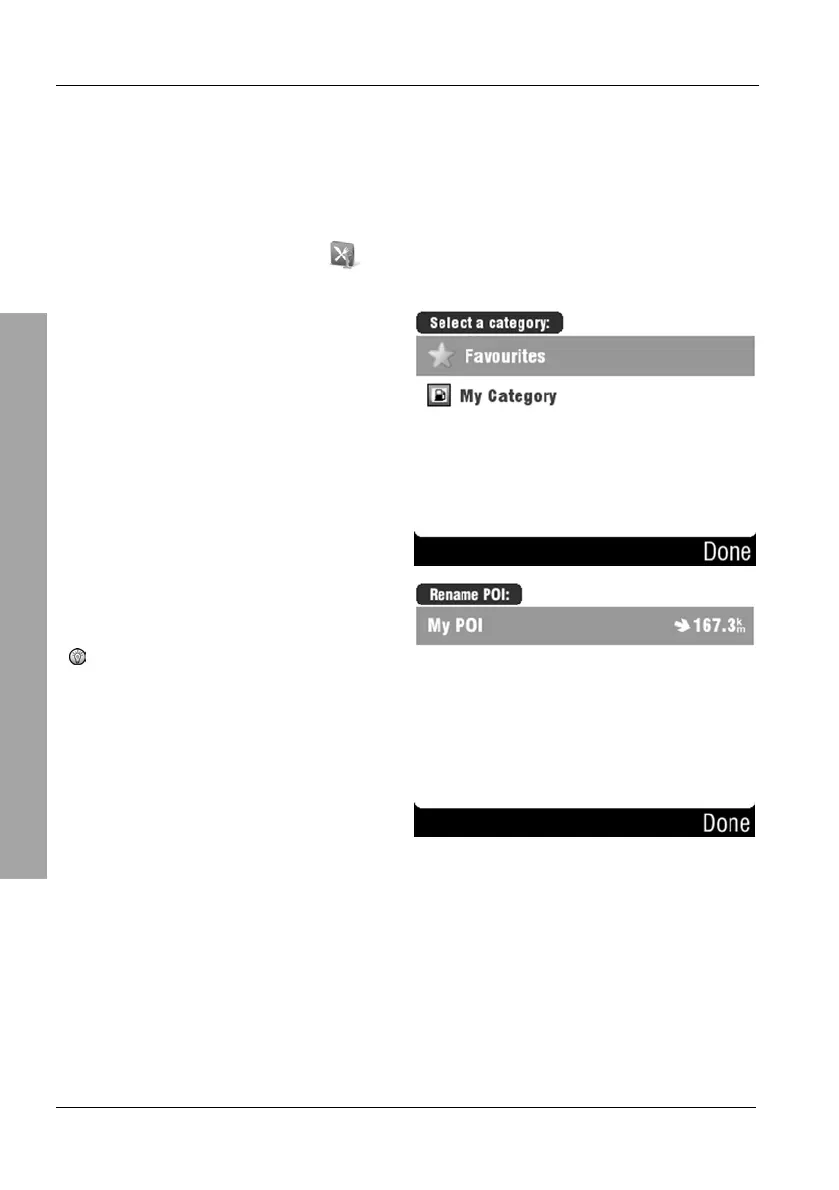
On the POI menu, tap Edit POI name.
Select the desired category by
tapping on it.
Select the POI that you want to
rename by tapping on it.
Tap Done to cancel the process
without making any changes.



 To Next Page