First-time Setup
24 English
Introduction
2.9 First-time Setup
Prior to using the device for the first time, charge the battery
completely. The device can also charge the battery while it's
powered off.
Slide the device’s On/Off switch [page 14, item 1] from the center
position to the ON position and hold it there for a few seconds. Then
release the On/Off switch. The switch will return to the center position
and the device powers on.
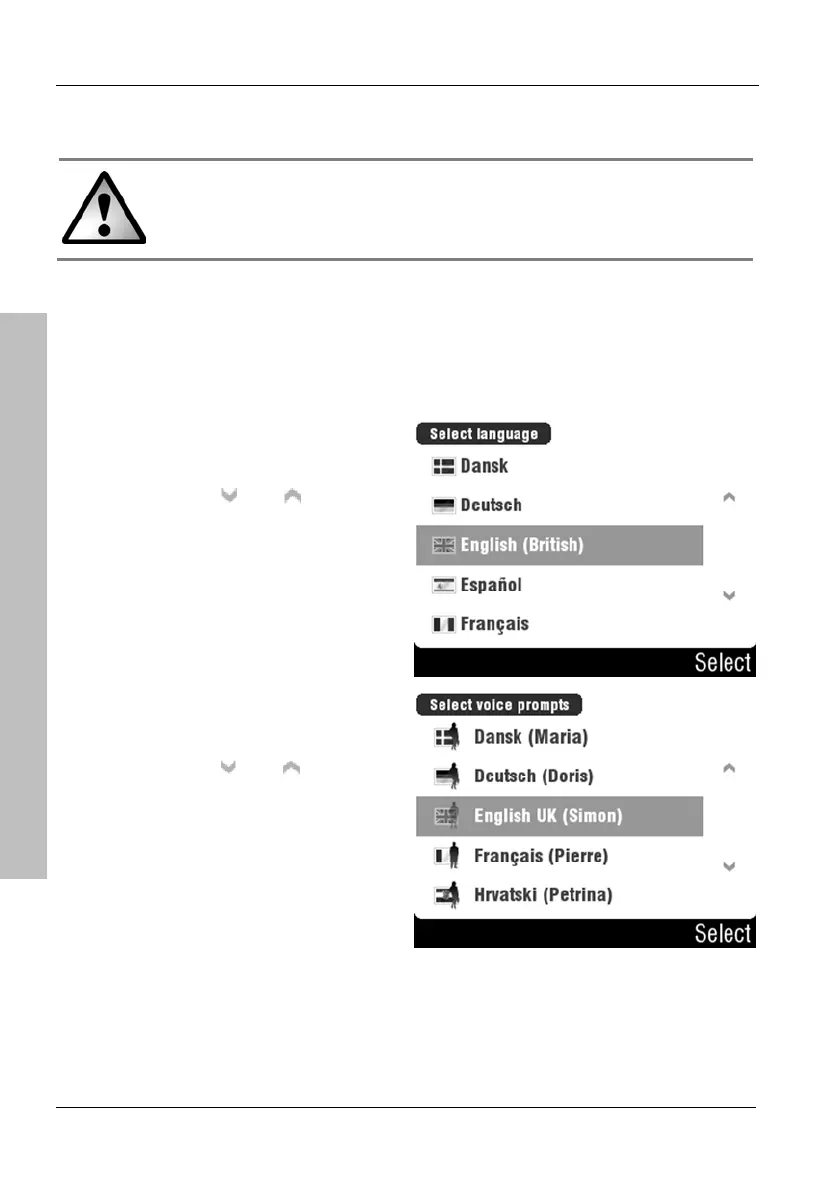
Select a display language by
tapping the corresponding entry.
You can use the
and buttons
to change the displayed page.
Confirm your selection by tapping
the Select button.
Select a voice by tapping the
corresponding entry.
You can use the
and buttons
to change the displayed page.
Confirm your selection by tapping
the Select button.



 To Next Page