POI - Points of Interest
Navigation Device PNA-E3540N 79
Navigation
3.8.1 Adding a POI
Here you can set any map position or point in History as a POI. You may
create your own category to save it or save as favourite.
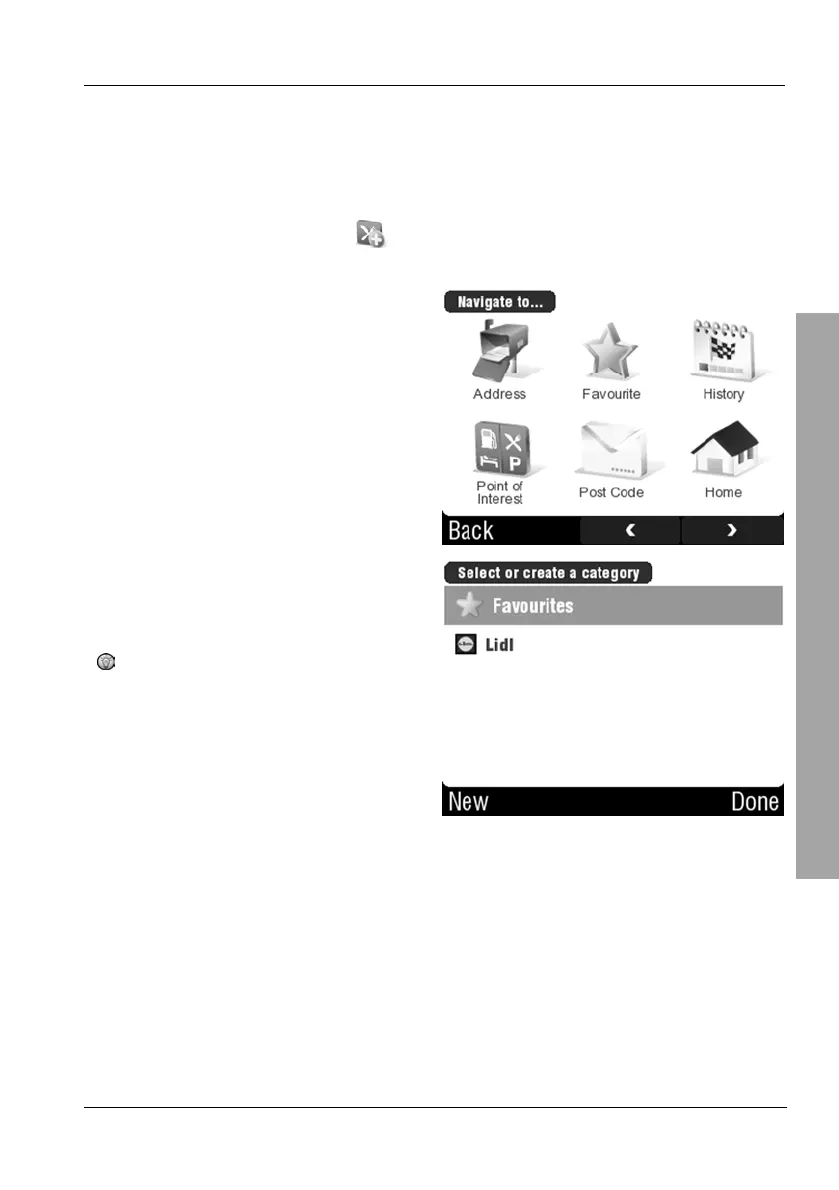
On the POI menu, tap
Add POI.
Select a position. Proceed in the
same way as for programming a
destination (see description starting
from page 40).
Select Favourites and tap Done to
store the selected position as
favourite.
If you want to create a custom
category at this point, please
read Chapter 3.8.1.1 starting
from page 80.



 To Next Page