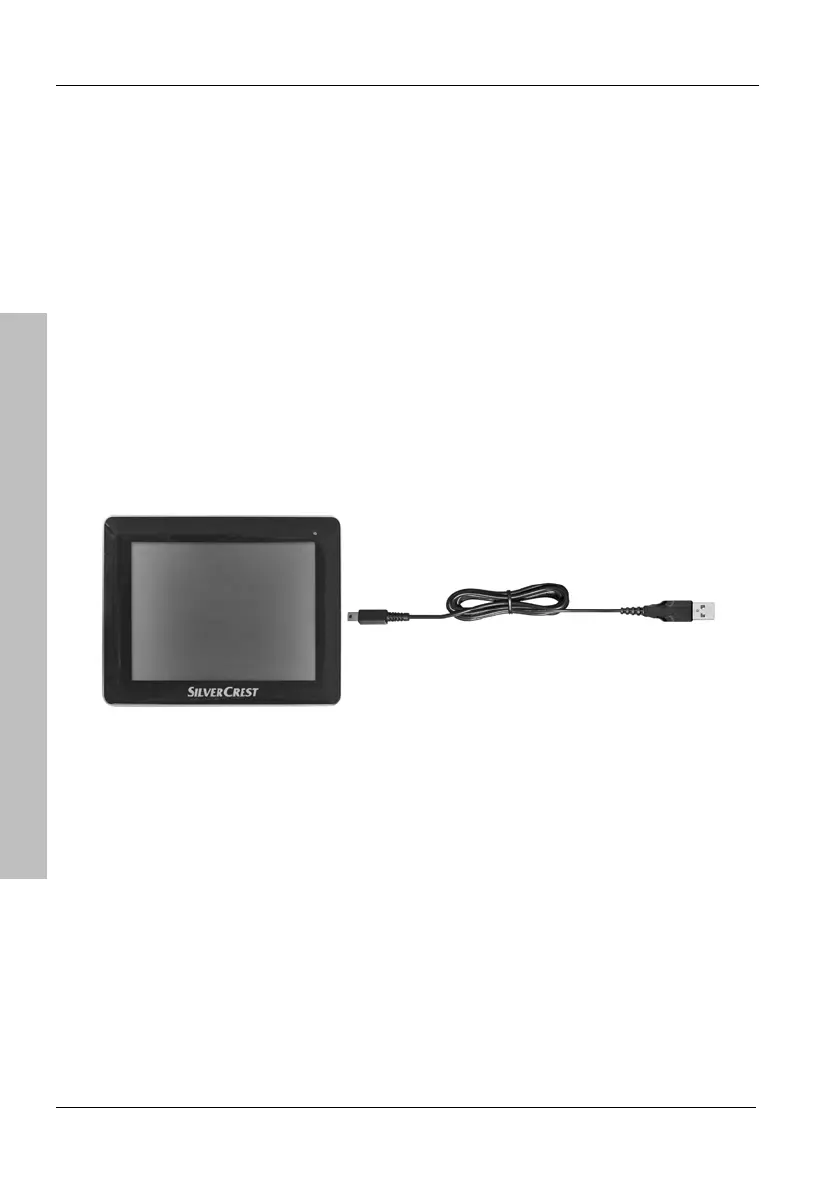
Charging the Battery
18 English
Introduction
2.5.2 Recharging from a Computer
Plug the Mini-USB connector of the USB cable [page 13, item 4] into
the receptacle [page 14, item 4] of your navigation device.
Plug the USB connector of the cable into a USB port on your
computer. If your navigation device was in standby mode it will power
on automatically.
The charging process starts automatically, and the charge indicator
[page 14, item 2] lights green. At the same time, the computer will
establish a connection to the built-in memory of the device (see
page 102).



 To Next Page