Frequently Visited Destinations
50 English
Navigation
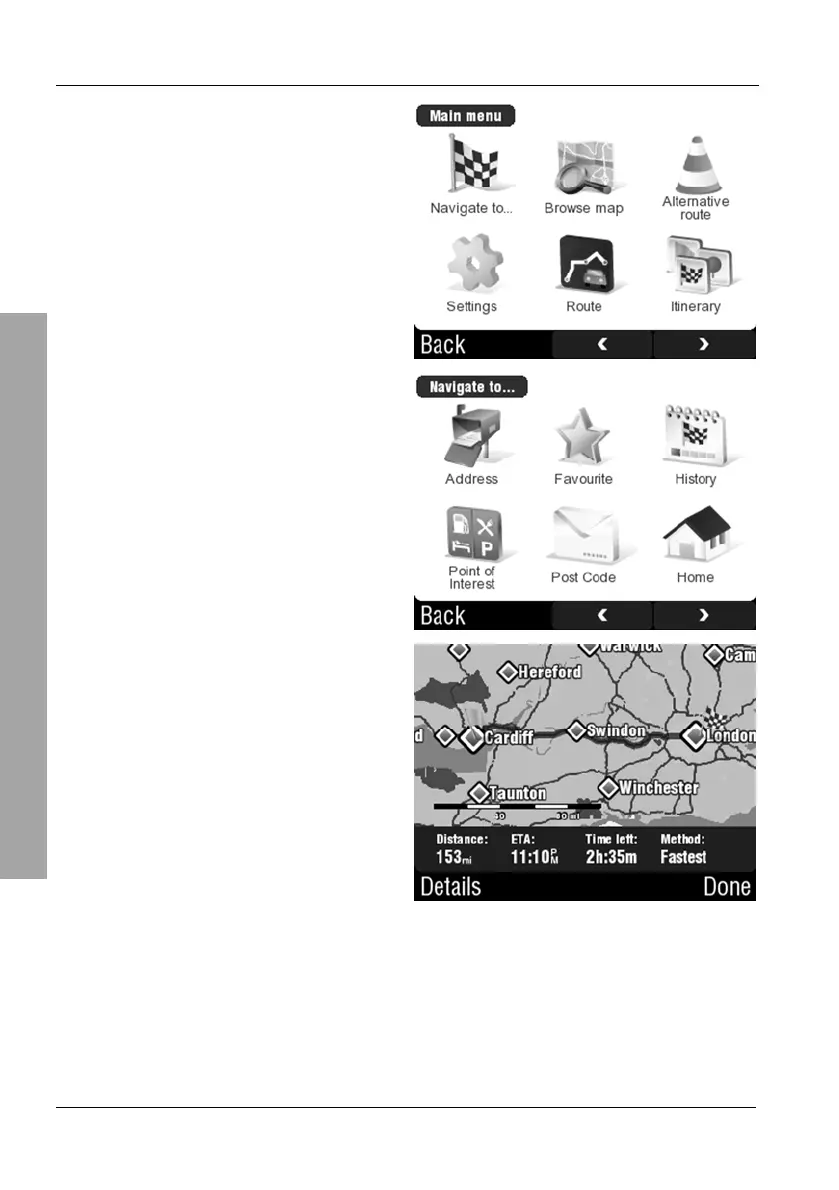
Tap Navigate to...
Tap Home.
The device will calculate the route
and it will appear on the map. With
the first voice instructions the map
will be displayed.
You can optionally tap Done to
launch the navigation display
immediately.
3.5.3 History
Your navigation device automatically stores a list of your 30 last destinations.
You can easily recall them if you need to return to one of these destinations.
Tap on the display to open the GPS main menu.



 To Next Page