Programming a Route
Navigation Device PNA-E3540N 35
Navigation
3.3 Programming a Route
3.3.1 Quick Guide
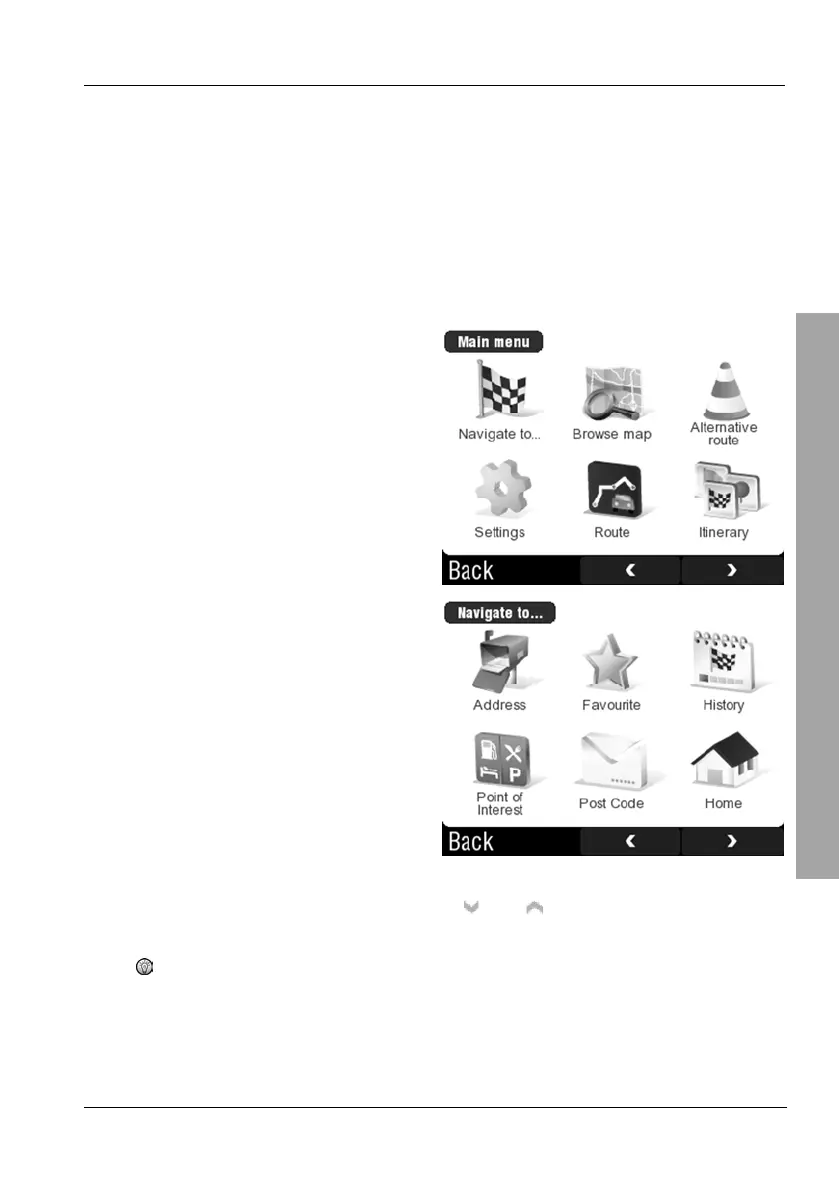
Tap on the display to open the GPS main menu. When entering information in
the following screens, you can always tap the Back button to return to the
previous display.
Tap Navigate to...
Tap Address.
Select the country where your destination city is located by tapping
on it. If required, you can use the
and buttons to change the
displayed page.
If there is only one country map installed, no prompt for the
destination country will appear.



 To Next Page