POI - Points of Interest
Navigation Device PNA-E3540N 85
Navigation
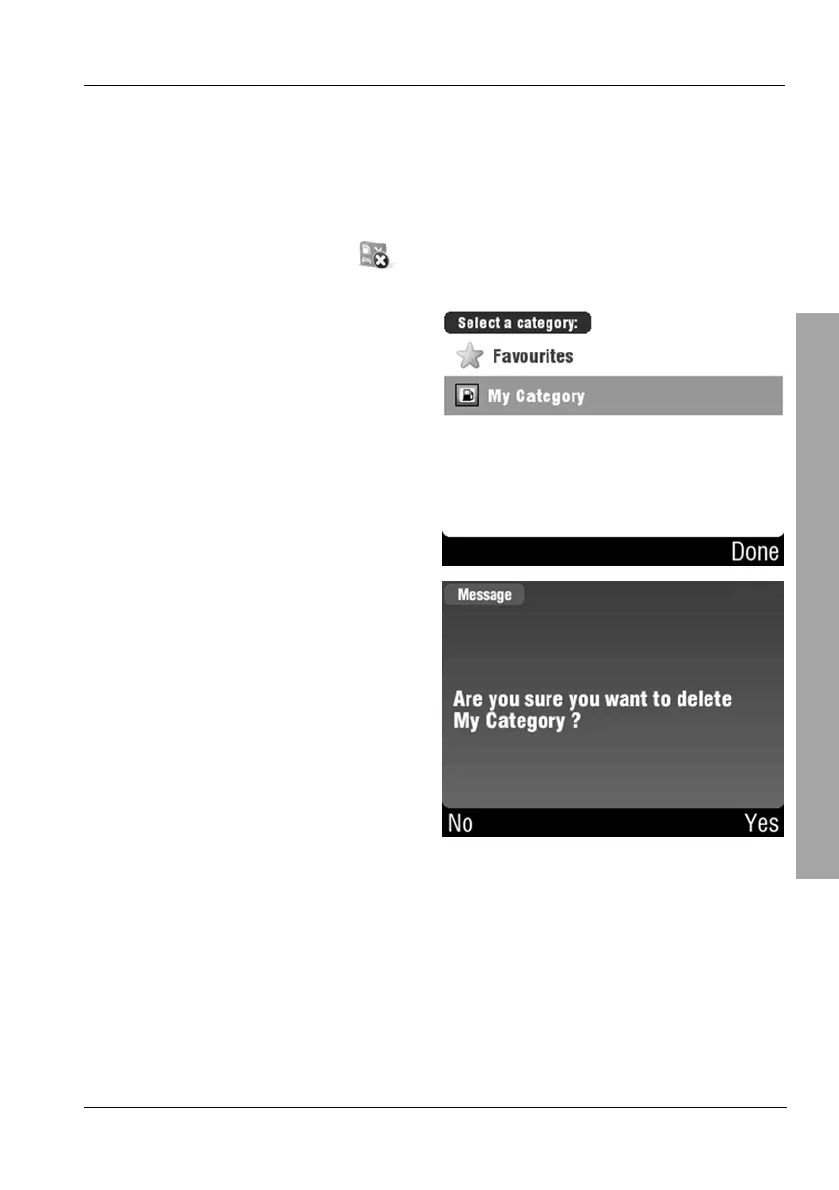
3.8.4 Deleting a Category
You can delete any custom categories. Attention! All POIs contained in it will
be deleted automatically.
On the POI menu, tap Delete POI category.
Select the desired category by
tapping on it.
Click Yes on the security prompt to
delete the category
or
Tap No to cancel the process
without deleting the category.



 To Next Page