General Operation Notes
30 English
Introduction
If the lower slider is moved fully to the left, the high-speed volume will be the
same as the standard volume. The further you move the slider to the right, the
higher the volume will be increased automatically when reaching the preset
high-speed limit (see below).
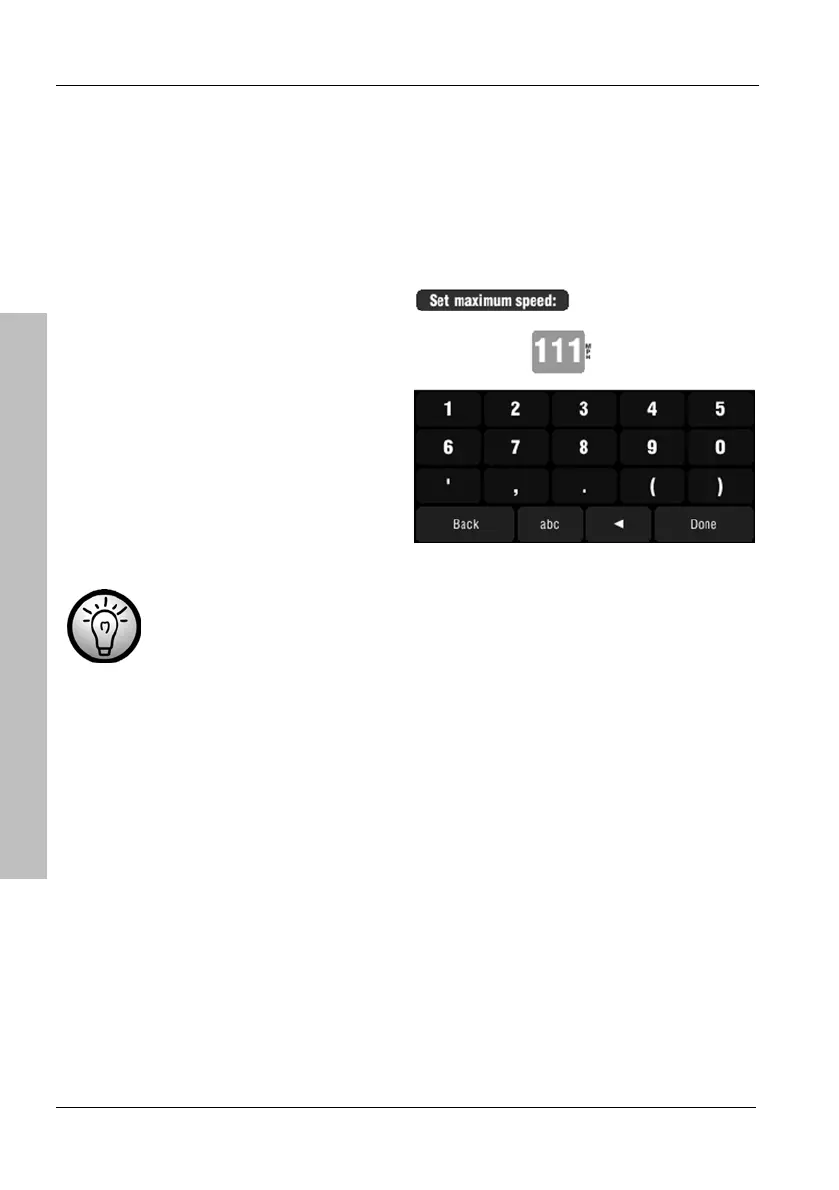
To set the speed limit from which the sound output will be raised, click the
Options button.
Use the on-screen keypad to enter
a speed value and tap Done to
confirm.
Use the W button to correct any
typos.
For example, if you enter 70 miles the sound volume will be
increased to the set high-speed volume value when driving at
70 miles or faster.



 To Next Page