Programming a Route
38 English
Navigation
On Map
Displays the entered destination in Browse
map view.
Parking
Selects a parking near the entered
destination and calculates the route to go
there.
Add to Favourites
Adds the entered destination to your favourite
list.
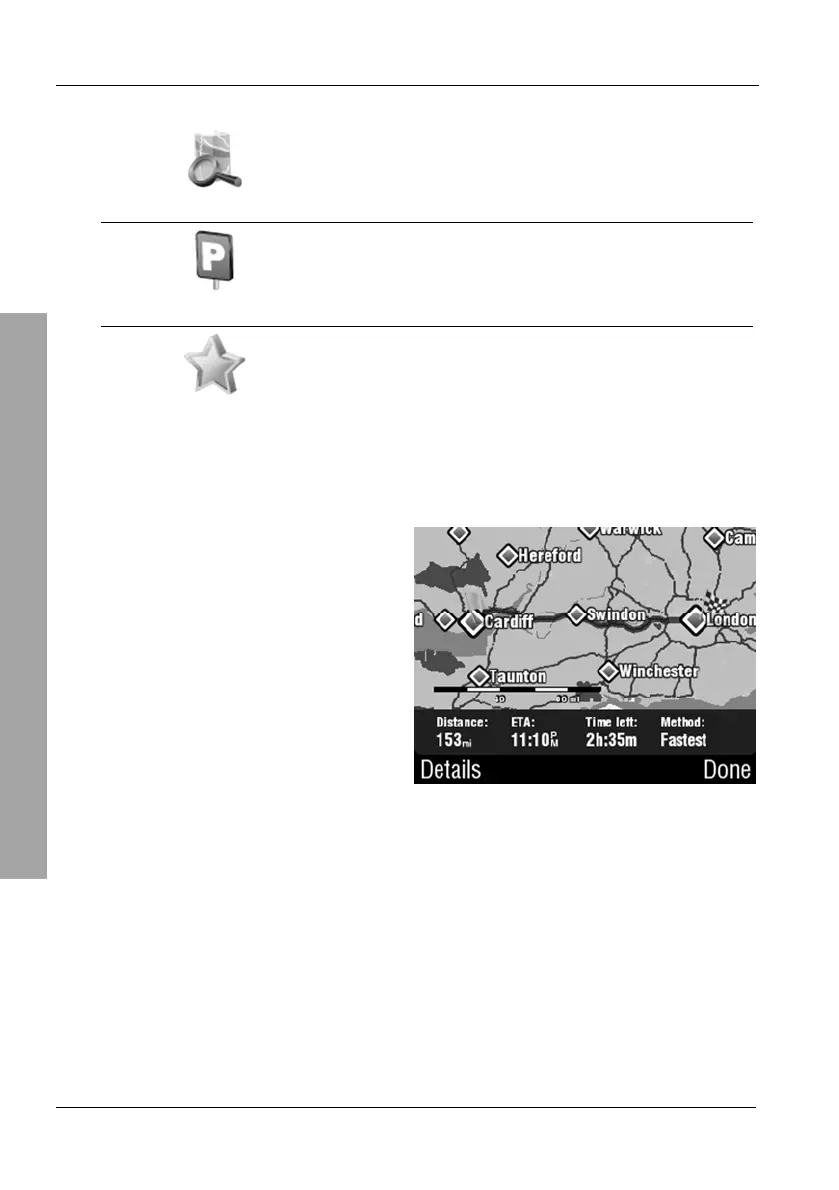
The device will calculate the route
and it will appear on the map.
Tap Done to launch the navigation
display.



 To Next Page