General Settings
Navigation Device PNA-E3540N 93
Navigation
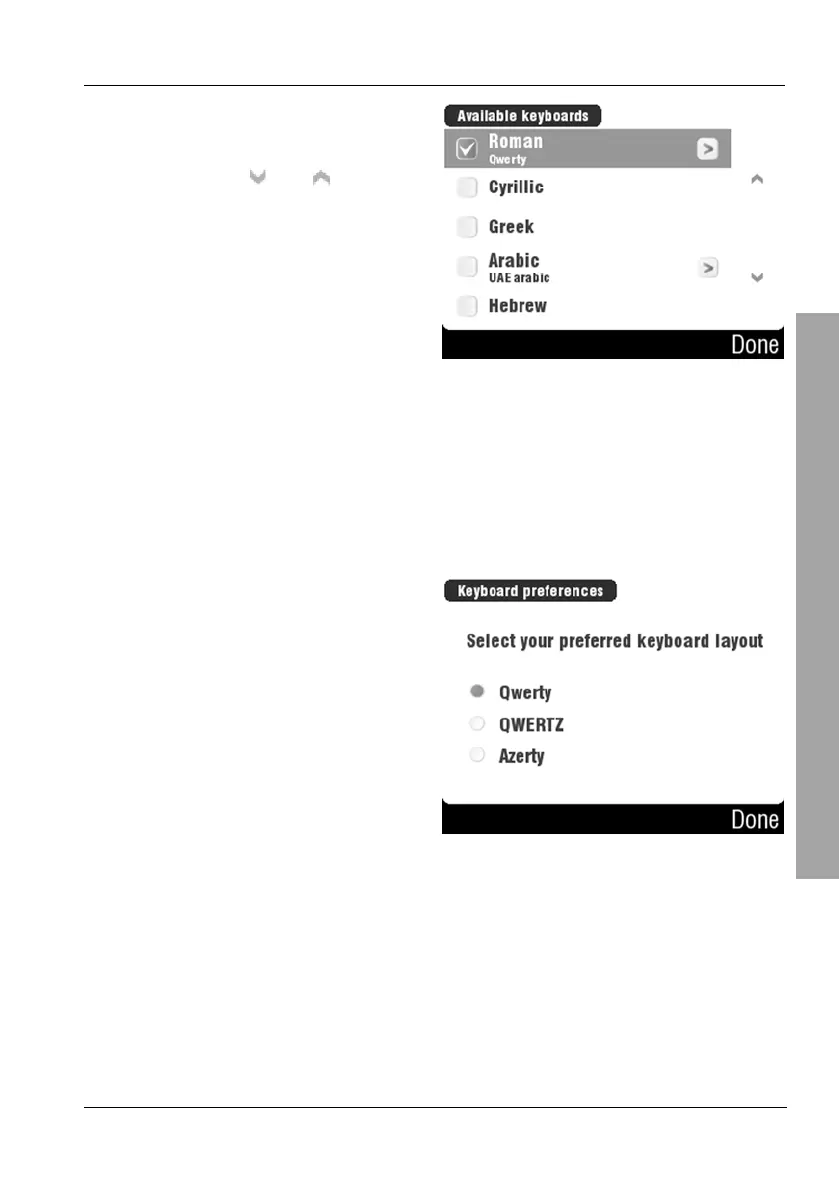
Tap on the desired character table
to select it.
You can use the
and buttons
to change the displayed page.
Then tap Done.
Some character tables have a > mark. In this case, more options will be
available after confirming them with Done. For instance, you can display a
keyboard with Latin character set as "Qwerty", "QWERTZ" or "Azerty"
keyboard. To do so, tap the desired radio button and then tap Done to
continue (see the sample figure below).



 To Next Page