SND 3600 D3
GB
│
IE
│
31 ■
Dispose of the packaging in an environmentally friendly
manner.
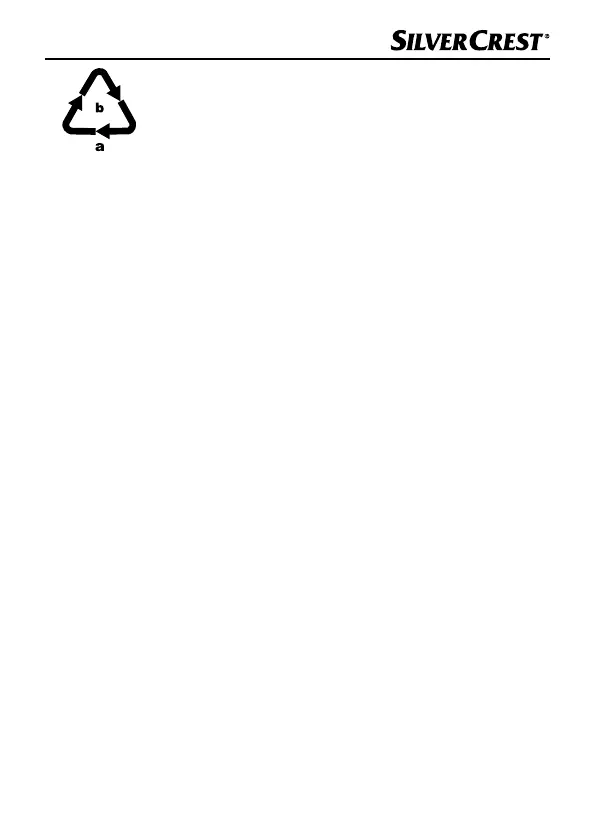
Note the labelling on the packaging and separate the
packaging material components for disposal if
necessary. The packaging material is labelled with
abbreviations (a) and numbers (b) with the following
meanings:
1–7: Plastics,
20–22: Paper and cardboard,
80–98: Composites.
Connecting to a computer
System requirements
Operating system: Windows XP/Vista/7/8/10,
Mac OS 10.6 or higher
Slot: USB connection (USB 2.0)
♦ Connect the micro-USB plug on the USB cable
8 to the micro-
USB port 3 on the scanner.
♦ Connect the USB plug on the USB cable
8 to a powered-on
PC. The computer recognises the new hardware and starts in-
stalling the drivers automatically. This process can take a around
a minute. The PWR LED 1 lights up as soon as the scanner is
properly connected.


 To Next Page