SND 3600 D3
GB
│
IE
│
33 ■
Installation on Mac OS
CAUTION!
► Important files may be changed or overwritten during the
installation of the software! Before installing the installing
the software, make a backup of your original files to ensure
that you will be able to access them later if problems occur
during installation.
♦ Insert the supplied program CD into your CD drive of your Mac
computer.
♦ Open the main directory of the program CD.
♦ Switch to the “Mac” directory.
♦ Start the installation by double-clicking on the
“ImageScan.dmg” file.
♦ Install the software as described in the on-screen instructions.
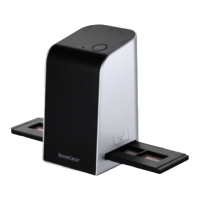
Operating elements
(For illustrations see fold-out pages)
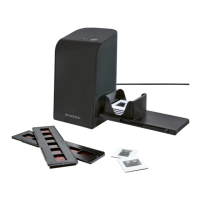
1 PWR LED
2 SCAN button
3 Micro-USB socket
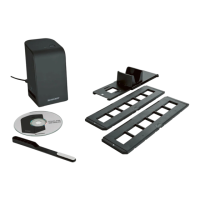
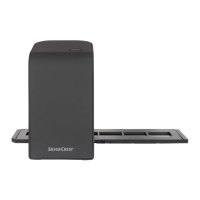
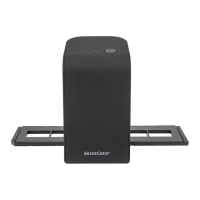
4 Slot for the negative holder or slide magazine
5 Negative holder
6 Slide magazine
7 Cleaning brush
8 USB cable (USB to micro-USB)


 To Next Page