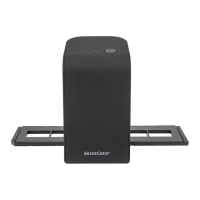
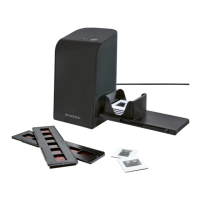
SND 3600 D3
■ 36
│
GB
│
IE
Digitizing negatives/slides
Windows software
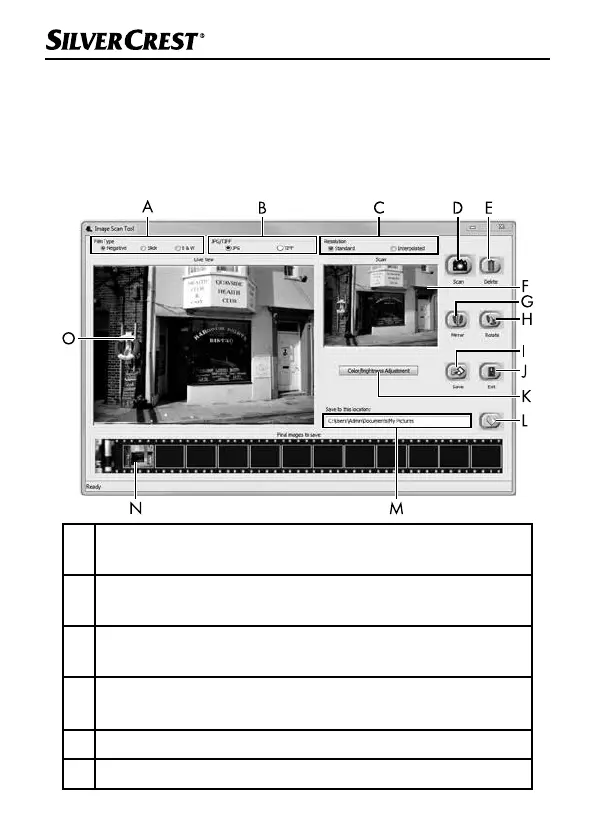
♦ Start the “Image Scan Tool” program by double-clicking on pro-
gram icon on the desktop or select the corresponding entry from
the start menu. The program opens directly in the main window.
A Select the type here (negative, slide or colour/black & white)
you want to use.
B Select here the format (JPG or TIFF) you want to use for
saving images.
C Select the resolution here: standard: 2592 x 1680 pixels;
interpolated: 5184 x 3360 pixels
D
Click on this button or press the SCAN button 2 directly to
scan an image.
E Click this button to delete the currently selected image.
F The currently selected image is shown here.


 To Next Page