SND 3600 D3
■ 32
│
GB
│
IE
Installing the software
Installation on Windows
CAUTION!
► Important files may be changed or overwritten during the
installation of the software! Before installing the installing
the software, make a backup of your original files to ensure
that you will be able to access them later if problems occur
during installation.
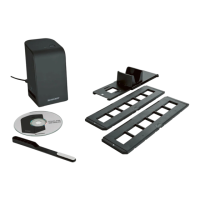
♦ Insert the supplied program CD into your CD drive of your com-
puter. The installation menu starts automatically.
♦ Click on the “Installation” button to start the installation.
♦ Install the software as described in the on-screen instructions.
NOTE
► If the autostart function is deactivated and the installation
does not start automatically, you can start the installation
with a double-click on the "WinSetup.exe" file in the main
directory of the CD.
♦ After successful installation you can leave the menu by clicking
on the “Exit” button.


 To Next Page