13
English
9 Operating unit
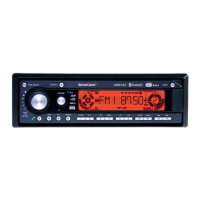
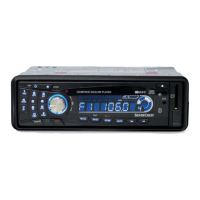
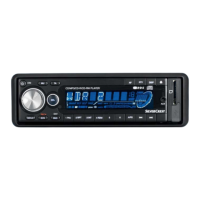
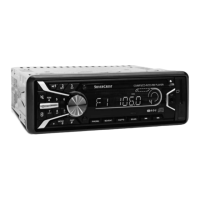
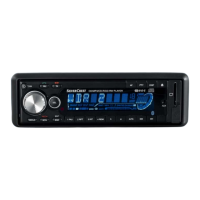
Front view (level 1)
Button to turn the device on / off
- Volume control dial (turned)
- Settings dial for menu level 1 - VOL, BAS, TRE, BAL,
FAD (pressed)
- Settings dial for menu level 2 - INVOL - ADJ -
TAVOL - EON - REC - TELVOL - DSP - LOUD - LOC
– STEREO (if pressed for more than 2 seconds)
Button to mute the device
TA/TP button to turn the traffic alert function on/off
PTY button to select the program style (e.g. jazz, pop,
news, etc.)
AF/REG button: Alternative frequency ON/OFF and
REG ON/OFF (if pressed longer)
-
Radio mode:
Station selection buttons 1-6. Pressing for more than 2
seconds stores the current station under this button.
Music mode:
Pause button
Repeat track
Scan track (approx. 10 seconds)
Random playback of tracks
MP3/WMA/OGG track - 10
MP3/WMA/OGG track + 10
AS/PS button
Radio mode: Automatic station search and automatic
station memory



 To Next Page