18
In accord with this pattern, after every further three hours additional dictations are automatically initiated
(e.g. »DICTB«, »DICTC« etc.). For each of these an acoustic signal sounds.
5
When you wish to interrupt the dictation recording: Place the multi-function
slider
h
at » STOP«. In the display
q
»Record Pause« is indicated, the hith-
erto period of the dictation recording remains shown. For as long as the dicta-
tion recording is interrupted, the status lamp »DICT
« blinks.
To continue the dictation recording: Place the multi-function slider
h
back at
»
START«.
6
When you wish to terminate the dictation recording: Press the button
»
DICT«
g
once. e status lamp »DICT «
d
goes out. In the display
q
is indicated:
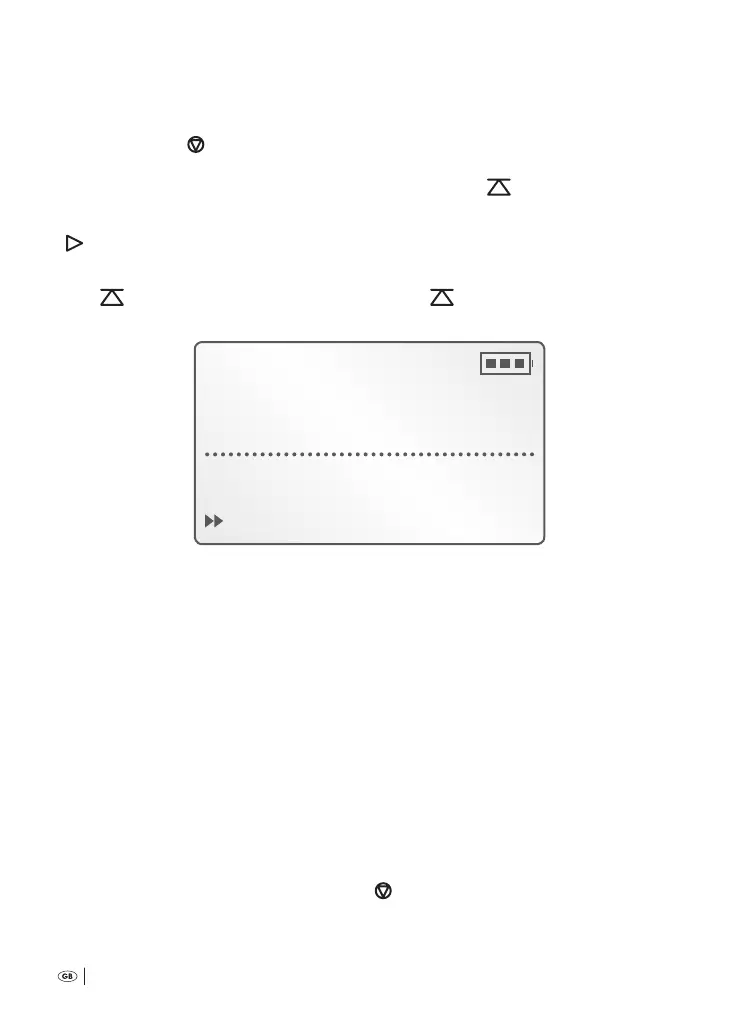
Free 16:38h
DICT009 01:00
play-back end
1.5 VOL± HOME
Now you can…
Ú
play back the saved dictation recording. is is explained in the following
chapter . »Playback of recorded dictation«.
Ú
work on the saved dictation recording. is is explained in the following chap-
ter . »Handling recorded dictations«.
Ú
delete the dictation recording, either completely or partially. is is explained
in the following chapter . »Deleting recorded dictations«.
7.4 Playback of recorded dictation
To play back saved dictations:
1
Switch the voice recorder on by pressing the button »ON/OFF«
a
.
As soon as the start screen is shown in the display
q
:
2
Place the multi-function slider
h
at » STOP«.
Bedienungsanleitung KH 2450 EN.indd 18 23.12.2008 23:09:40



 To Next Page