68
5
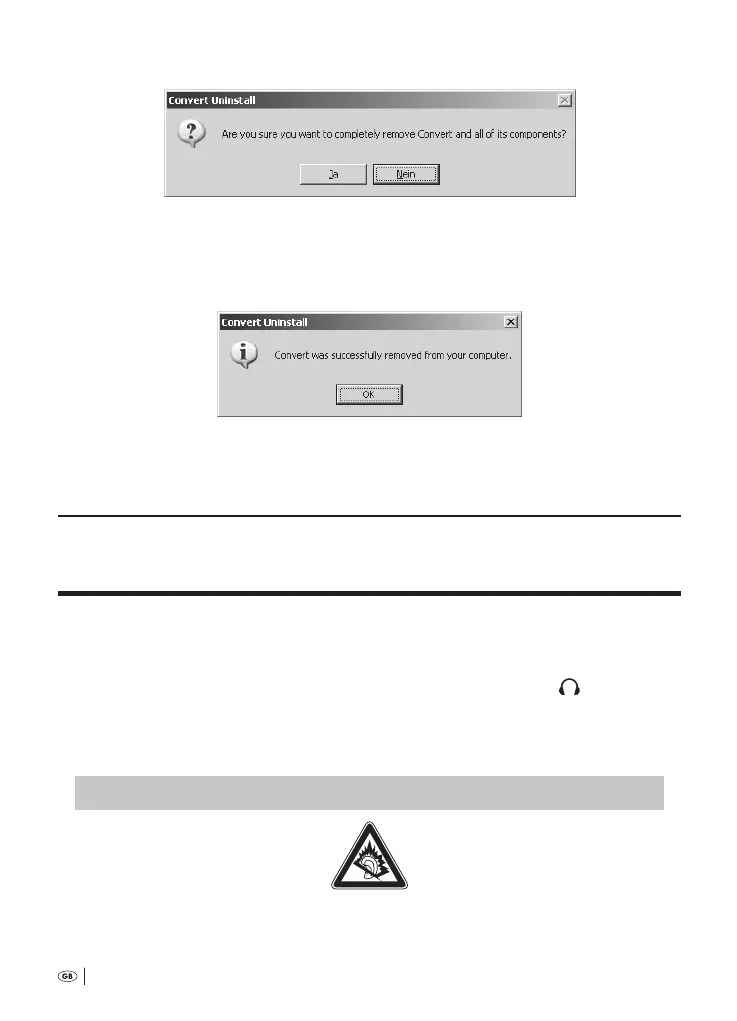
On the PC monitor appears the notication
Click on the button »Yes«. Following this, the window for the »Uninstall Wiz-
ard« opens; the deinstallation then progresses completely automatically.
6
Indicated on completion of the deinstallation is:
7
Finally, click on the button »OK«.
e soware »Convert« is now deinstalled from the PC.
. Connecting ancillaries to the voice recorder
11.1 Connecting headphones to the voice recorder
If you would like to connect headphones to the voice recorder: Insert the . mm
jack plug of the headphones into the headphone socket »EAR
«
i
. The
loudspeakers of the voice recorder are automatically switched o when headphones
are connected. e playback sound volume can still be adjusted as described in
chapter .. »Adjusting the playback sound volume«.
‹
†
DANGER!
›
Too frequent and too loud sound playback over headphones can lead to hearing damage!
Bedienungsanleitung KH 2450 EN.indd 68 23.12.2008 23:09:49



 To Next Page