. Further functions and adjustments of the voice recorder
8.1 Activating/deactivating the key lock
is voice recorder is tted with a key lock. With an activated key lock the voice
recorder is protected against unintentional operation resp. being unintentionally
switched on.
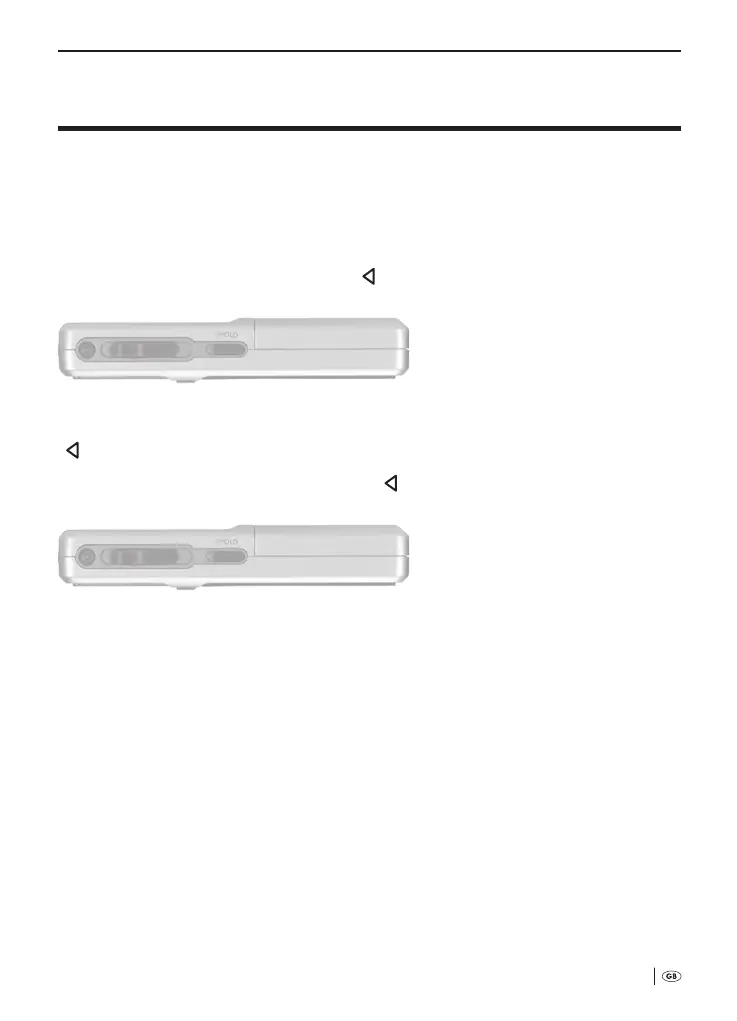
To activate the key lock: Place the slider »
HOLD«
j
in the direction of the arrow,
as shown in Fig. .
In the display
q
»Keys locked« is faded in briey. With the exception of the slider
»
HOLD«
j
, all keys and the multi-function slider
h
are now locked.
To deactivate the key lock: Place the slider »
HOLD«
j
in the direction of the ar-
row, as shown in Fig .
8.2 Selecting a folder for saving dictation recordings
Dictations are saved at the top memory level of the voice recorder. Alternatively, dictations
can also be saved in one of ve folders in the voice recorder. is oers the possibility to
separately store dictations from diering elds (e.g. private, commercial).
For this, in the Menu of the voice recorder ve automatically placed folders
(A to E) are available. e folder required for saving a dictation recording
must be selected before beginning the dictation.
To do this:
á
Fig. : Activate the key lock
á
Fig. : Deactivate the key lock
Bedienungsanleitung KH 2450 EN.indd 27 23.12.2008 23:09:42



 To Next Page