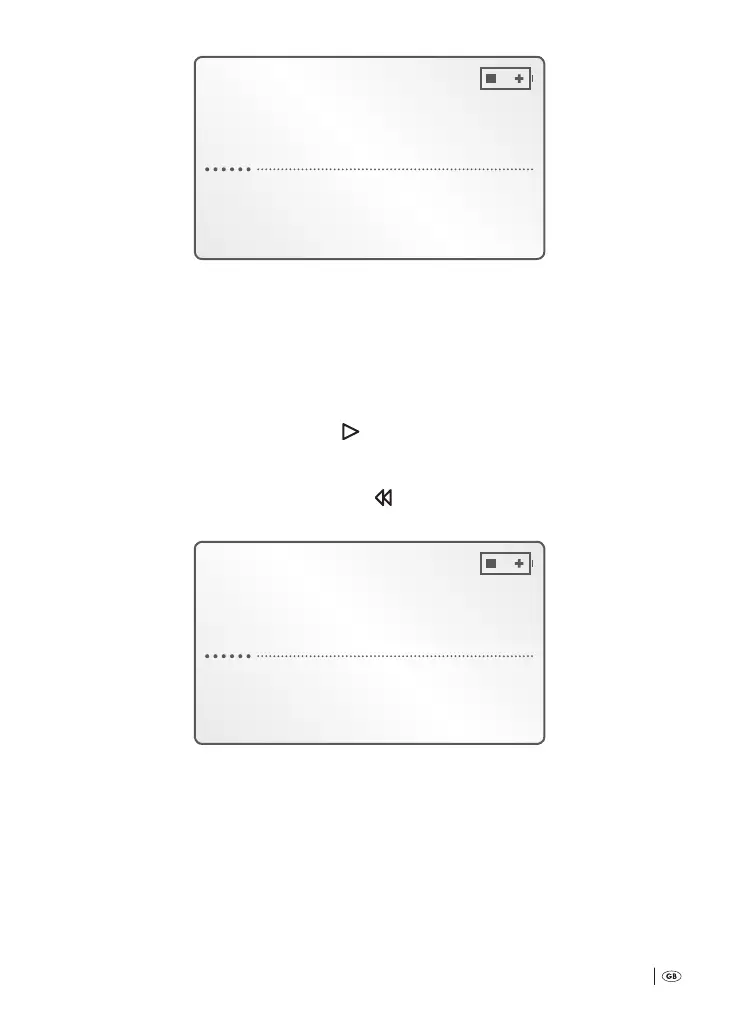
Free 03:37h
DICT013 1:13:06
Fast forward
During fast forward the actual playback period of the dictation recording is
continuously indicated in the display
q
.
2
As soon as you have reached the desired passage in the dictation recording:
Release the multi-function slider
h
.
3
Should you wish to continue playback from the selected passage: Place the
multi-function slider
h
back at » START«.
To select passages of the dictation recording in fast rewind during playback:
4
Place the multi-function slider
h
at » REW« and hold it in this position;
in the display
q
is indicated:
Free 03:37h
DICT013 34:30
Rewind
During fast rewind the actual playback period of the dictation recording is
continuously indicated in the display
q
.
5
As soon as you have reached the desired passage in the dictation recording:
Release the multi-function slider
h
. Playback is now automatically continued
from the selected passage.
Bedienungsanleitung KH 2450 EN.indd 21 23.12.2008 23:09:41



 To Next Page