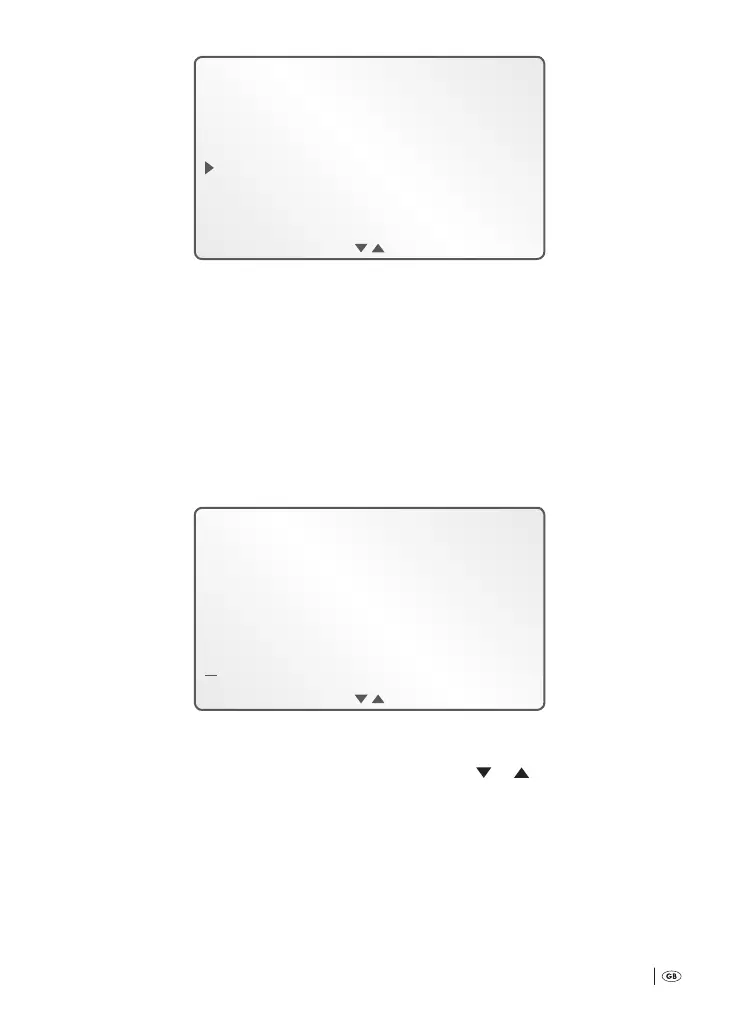
OK ESC
NR on
NR Off
NR auto
5
Select, by pressing the function buttons B
e
or C
r
, the preferred program-
ming. Subsequently select, by pressing the function button D
t
, »OK«.
Should you have selected »NR o«: In the display
q
the programming Menu is
once again shown. to return to the start screen: Select, by pressing the function but-
ton A
w
»ESC«.
Should you have selected »NR on« or »NR auto«, to enter in an own reference to all
following dictation recordings:
6
In the display
q
the input-screen is shown:
OK END
ABCDEFGHIJKLMN
OPQRSTUVWXYZ
7
Initially, the symbol is marked. Shi this marking to the rst letter of the
reference-name to be entered in. To do this, select »
«/» «, by pressing the
function buttons B
e
/C
r
. As soon as the required letter is marked: By press-
ing the function button D
t
select »OK«. If you wish to enter in gures or
characters: Shi the marking to the symbol ; en select, by pressing the
function button D
t
, »OK«. In the display
q
the input-screen shows the se-
lection of gures/characters available:
Bedienungsanleitung KH 2450 EN.indd 31 23.12.2008 23:09:42



 To Next Page