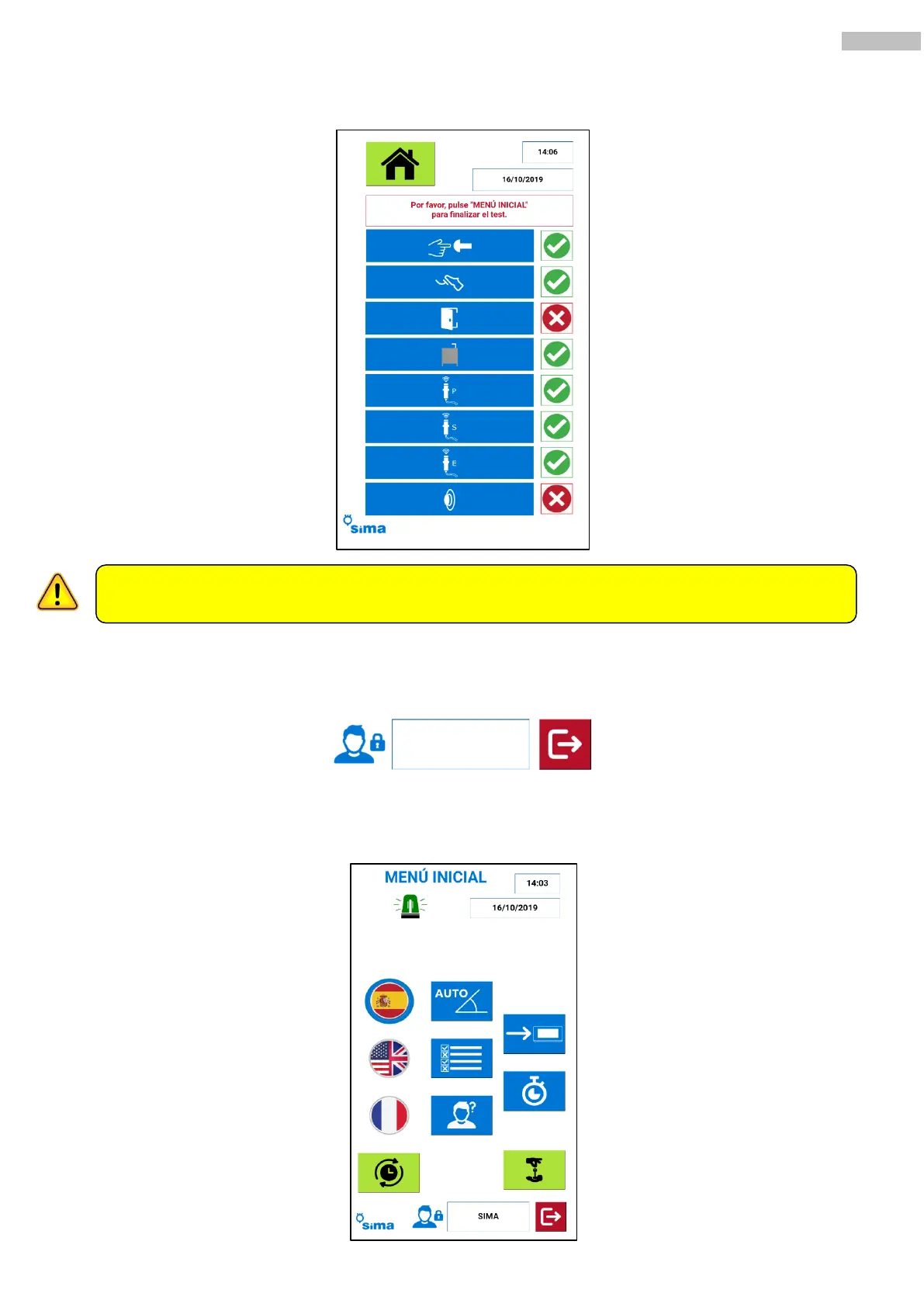
Finally, a summary with the status of the different components will be shown along with a green tick (successful
test) or a red tick (undetected component / malfunction).
13.3 USERS SELECTION.
To access some additional functions, you need to login. To do this, push the White button on the bottom right
part of the main menu:
The system will require to insert the user and the password. One identified, two new function buttons will show
unlocked on the main menu:
On the test mode, the machine will not work in any mode (manual or automatic). Make sure to turn back to the main
menu when the test has been finalized.



 To Next Page