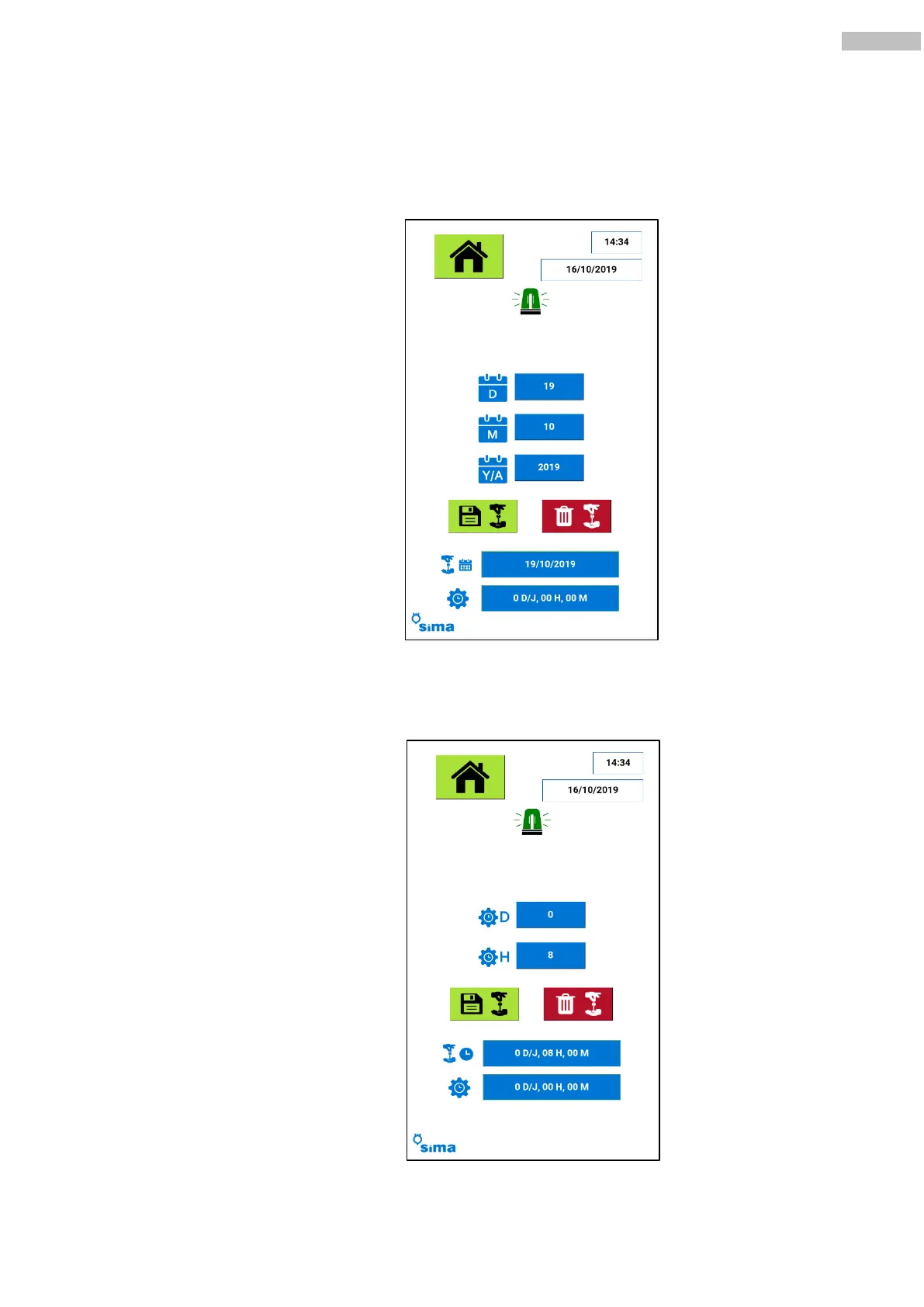
o Blocking by date: Choose this option to introduce the day, month and year when the machine
will stop. To set it up, push the saving button. The current blocking settings will show on the
screen: date of blocking and time of use of the machine since the blocking date was set. Press
the paper bin icon to cancel a blocking setting.
o Blocking by time of use: The screen will now ask to type in the number of days and hours of
use till the full machine block. These settings will be shown on the screen as well as the time left
till blocking and the time of use elapsed since the block was set. Press the paper bin icon to delete
the blocking setting.



 To Next Page