In any of these two cases the main menu screen will show the following button:
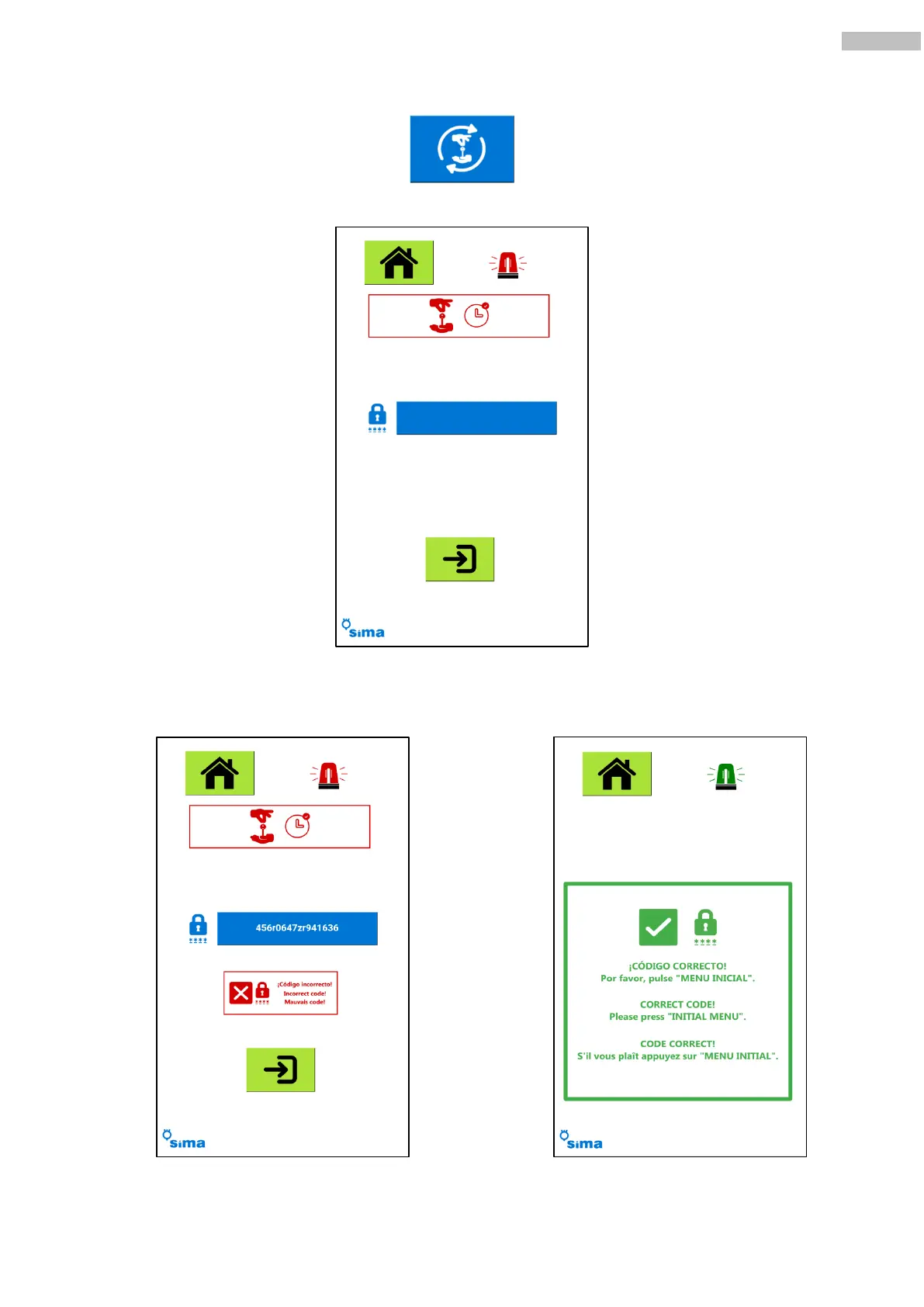
By pressing the button, you access the code unlock display:
Insert the unlocking code pushing the blue button. Once typed in, press the validation button: if the code is
not correct, a message will show. If it is correct, the blocking warning will disappear and a new blocking time will be set
depending on the code previously inserted, and a validation window will show up.
Invalid unlock code. Valid unlock code.



 To Next Page