25
EN
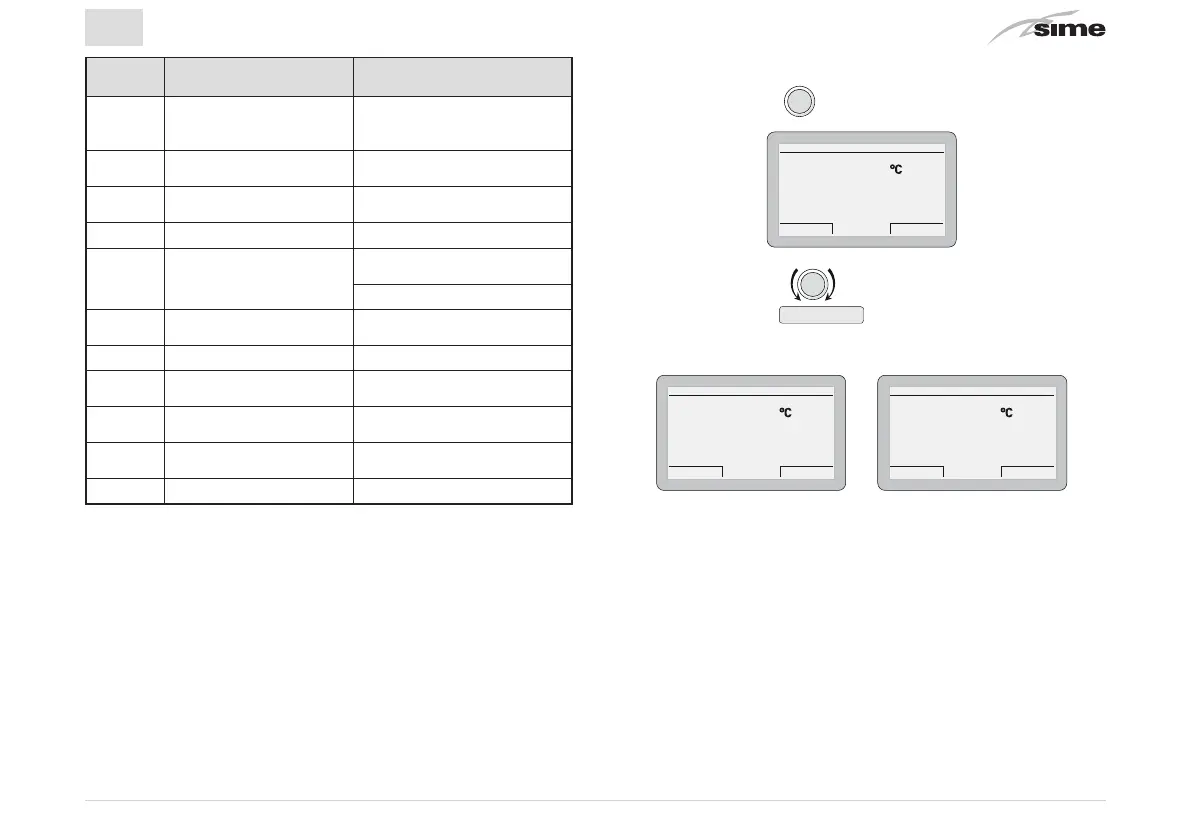
Alarm
code
Fault Description of the fault
1 Smoke safety
Smoke thermostat interven-
tion Air pressure switch
sensor intervention
2 Low pressure
Low water pressure in
system
3 High pressure
High water pressure in
system
6 Burner block No flame detection
7 Over temperature
Safety thermostat
intervention
CH dual sensor intervention
9 Circulation Failure
No water circulating in the
system
13 Smoke over temperature Smoke probe intervention
20 Zone 1 over temperature
Fault in zona mix 1 safety
thermostat intervention
22 Zone 2 over temperature
Fault in zone mix 2 safety
thermostat intervention
42 Button fault Buttons compressed
Other Technical problem ...
4.3.4 Quick settings
Using the encoder, the user can carry out the following quick
settings:
– modify the
“set hot water”
directly in SUMMERmode
– modify the
“set room temperature”
directly in WINTER mode.
In both cases, from the
“main screen”
:
– Press the encoder
to display the
set
value
HOT WATER SET
Set hot water
Cancel Confirm
40.0
– Rotate the encoder to set the new
“set value”
– Press the button
Confirm
to complete the modification
and return to the
“main screen”
.
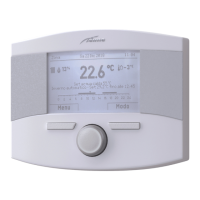
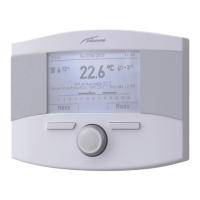
ROOM SET
Manual
Cancel Confirm
21.3
ROOM SET
Manual temporary
Cancel Confirm
21.3
IMPORTANT INFORMATION FOR THE ROOM SET
The meaning of the words on the display are as follows:
Manual temporary:
the
“function mode”
in heating is set to AUTO
and the value of the set read on the display will be valid until
the next time band change (automatic set point)
Manual:
the
“function mode”
in heating is set to MAN and the
value of the set read on the display will be permanently valid


 To Next Page