14
EN
4.2.3 TECHNICAL Menu
It is recommended that the TECHNICAL Menu is only used by
Professionally Qualified Personnel, since it is used to modify
system management data.
The submenu
“Boiler parameters”
requires the CODE (or pass-
word)
“1 2 3 4 5”
to be entered.
Using the remote control to modify the “Boiler parameters”
is only possible with boilers from the BRAVA range.
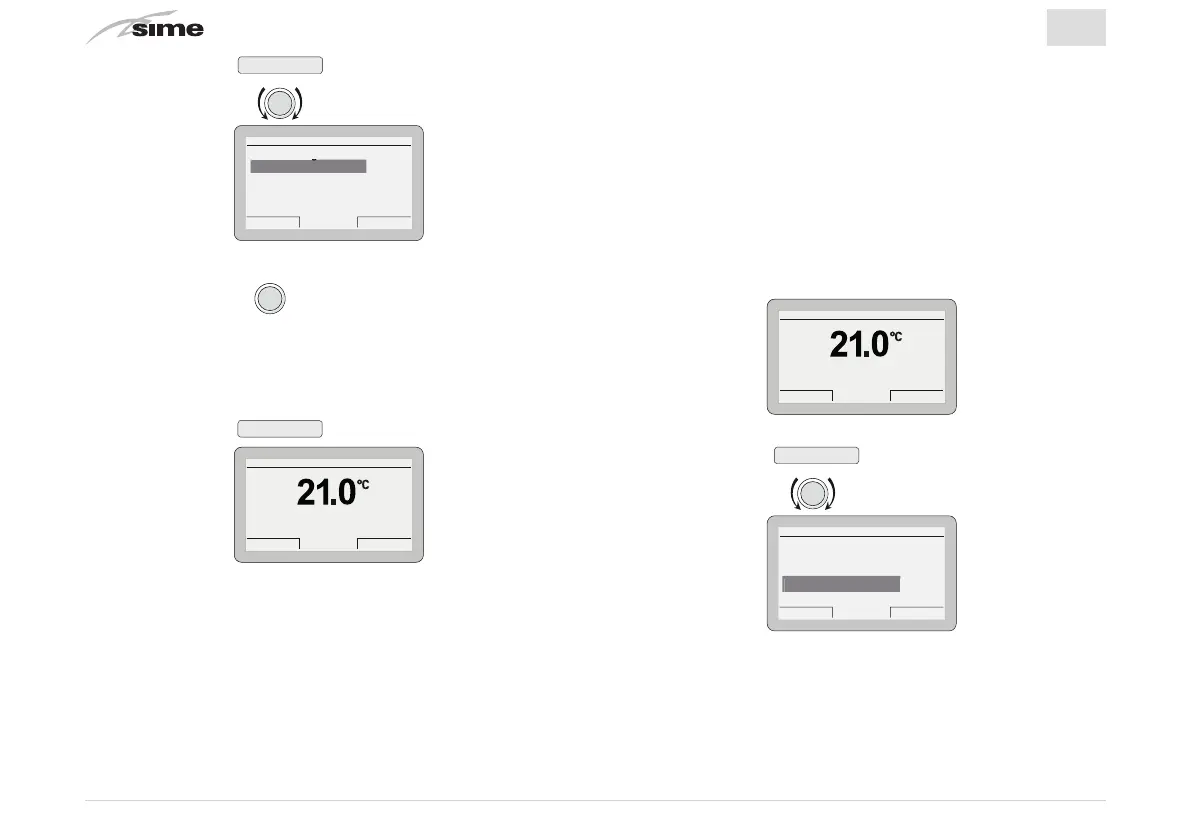
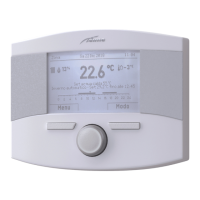
From the
“main screen”
Gi 18 Set 2014Zona 10:30
Menu Modo
Off
– Press the button
Menu
to go into the screen to select
“Menu”
– Rotate the encoder to select the menu
“TECHNICAL”
Es
ack
GENERAL SETTINGS [...]
INFORMATION [...]
TECHNICAL [...]
MENU
TECHNICAL
– Press the button
Back
to go back to the submenus
– Rotate the encoder
to select another submenu
Es
ack
INFORMATION
Zone heating [...]
Boiler [...]
Hot water [...]
Alarms [...]
Firmware version 100
– Press the encoder
to confirm the submenu selected
and go into the display area for the relevant data
– Continue in this way until all the necessary information has
been shown
– Press the button
Esc
to go back to the
“main screen”
.
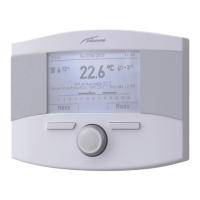
Gi 18 Set 2014Zona 10:30
Menu Modo
Off


 To Next Page