13
www.simmonsdrums.net
The First Name in Electronic Drums.
In the Splash Sensitivity page, this setting controls the sensitivity of
thefootsplash.Thedatarangesfrom-4to4with‘F’displayedon
therstdigitofLED.
splash sensitivity
local mode
saving trigger settings
After adjusting the trigger settings (gain, snare rim sensitivity,
crosstalk, curve, splash sensitivity), you can save them into
memory.WhileintheUtility Mode,pressthe[SAVE] button to
store all trigger settings.
Note:
1. If you turn off the power without saving, you will lose
the trigger setting changes you have just made.
2. These parameters affect all kits.
restoring the factory preset
Restoring the factory preset can be implemented by holding down
both [TEMPO+] and [TEMPO-] when the SD7PK is powered
up. This function will replace the current settings of the following
parameters by their default preset values:
•All user kits (including Volume, Voice, Pan, Reverb, and
Tuning setting)
•Utility parameters (including Gain, Crosstalk, Curve and
Splash sensitivity)
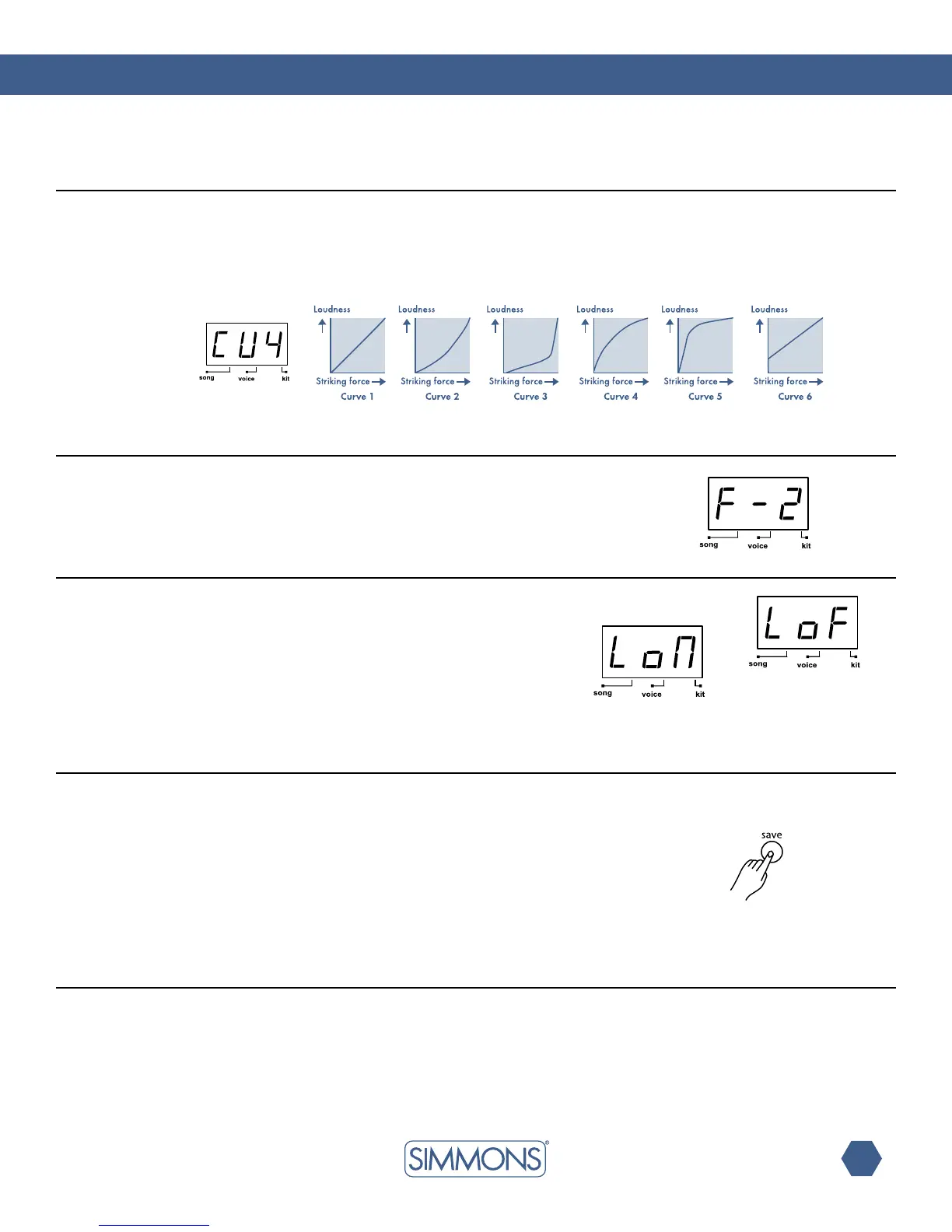
In the Velocity Curve page, the curve setting allows you to
control the relationship between the velocity (striking force) and
loudness (the dynamic curve). The last digit will show the curve
number (1—6) of the current pad with letters ‘CU’ displayed
onthersttwodigitsoftheLED.
curve
In Local Control page, the LED shows the local control mode.
LocalONisthedefaultfunctionmode(‘LoN’).Theinternallink
between pad triggers and the sound generator will be broken
whenselectingLocalOFF(‘LoF’).Formoredetailsregardingthe
LocalMode,pleaseseetheMIDI/USBsectionofthismanual.
Note:LocalControlModealwaysreturnstoOffwhen
powering up the SD7PK.



 To Next Page