6.2. ZONE MENU
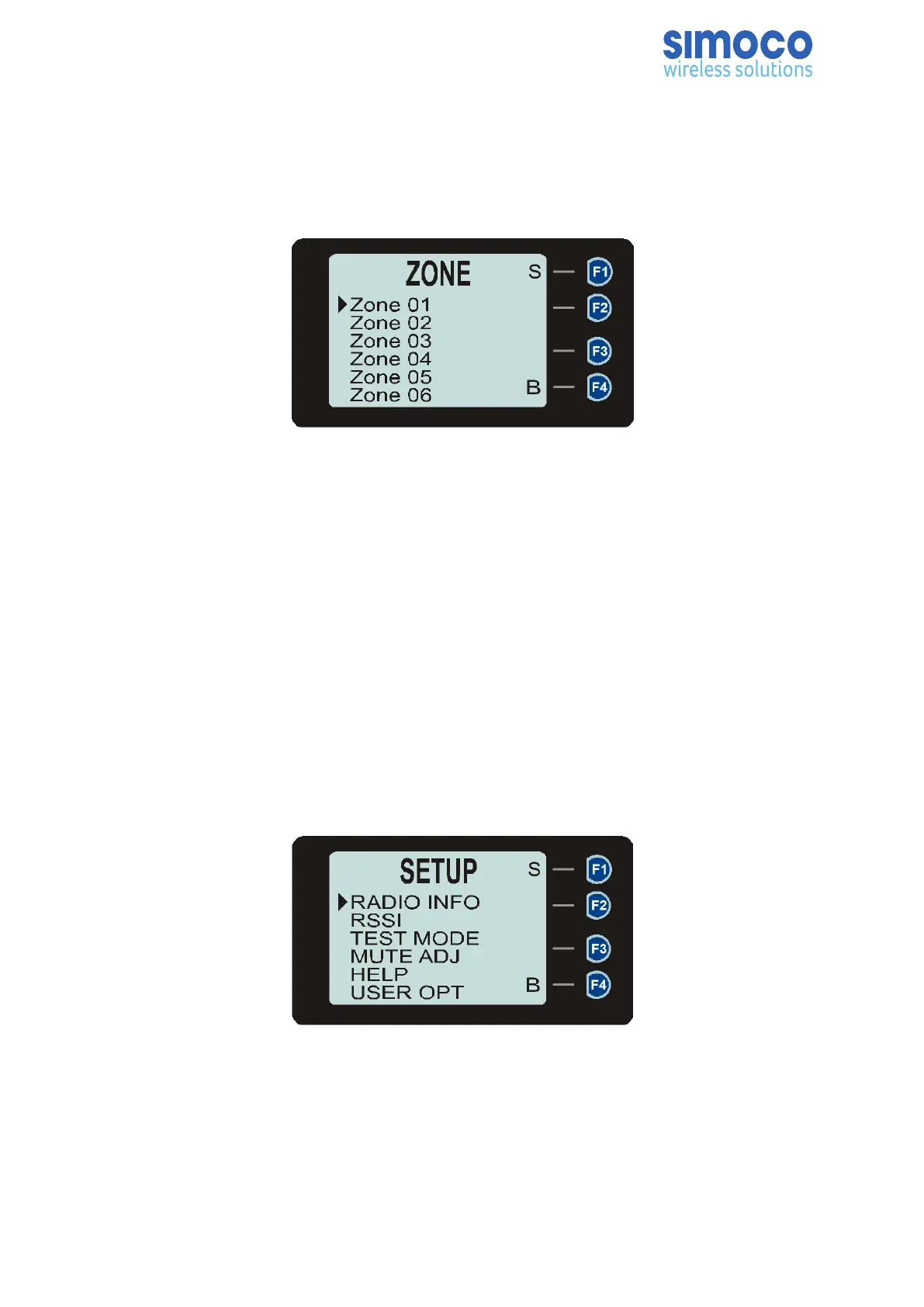
The Zone menu allows the user to change Zones. A Zone is normally defined as a group
of radio channels with a common operational role.
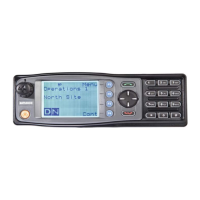
Figure 6: Zone Menu.
Use the ▼ and ▲ keys to choose the required Zone. Press the ‘S’ key to select the
required Zone. The radio will return to the default screen and select the first channel in
the new Zone.
Direct access to the ‘Zone’ menu from other screens can also be programmed to one of
the function buttons with the FPP.
6.3. SETUP MENU
The Setup Menu allows the user to access a programmable selection of the menu
options. These menu options can be programmed into the Setup Menu with the FPP.
The FPP User can choose to add any, all or none of the menu options to the Setup
menu as required. If the Setup Menu option is not included in the Main Menu list, the
Setup Menu will not be accessible to the radio user.
Figure 7: Setup Menu.
Using the ▼ and ▲ keys, scroll through the available Setup menu options. Press the
‘S’ key to access the menu option required.
The Setup menu structure may include, for example:
• Radio Info (Radio software and hardware information);
Doc Number: TNM--U-E-0108 ISSUE 1.5 Page 39


 To Next Page