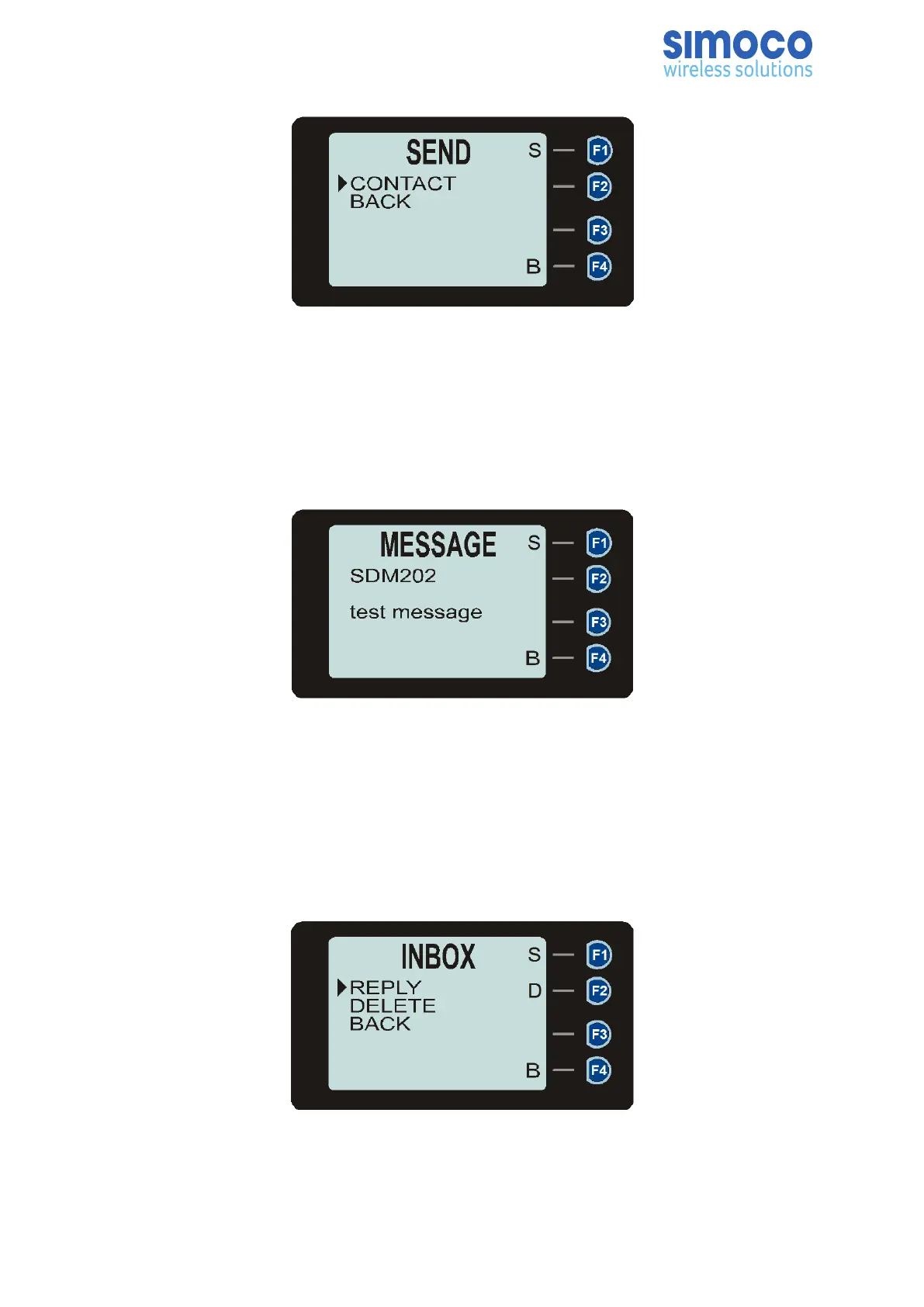
Figure 23: Send message screen.
Sending a message can fail if the destination radio is not available.
6.10.6. Viewing Received Messages
When selected, the details of received messages (status, template and text messages)
stored in the Inbox will be displayed on the Messages View screen.
Figure 24: Message view screen.
The information displayed for each message includes: either the name of the sender
from the Contacts list or, if the ID is not known to the Contact list, the sender ID; and
the first two lines of the messages in text string.
Pressing the ‘S’ key will display further message options (see Figure 25). Pressing the
‘B’ key will return to the Message Inbox.
Figure 25: Message options screen.
Doc Number: TNM--U-E-0108 ISSUE 1.5 Page 49


 To Next Page