Use the ▼ and ▲ keys to choose the required contrast level. Press the ‘S’ key to save
the selected contrast level and return to the previous screen.
6.13. ALERT VOLUME MENU
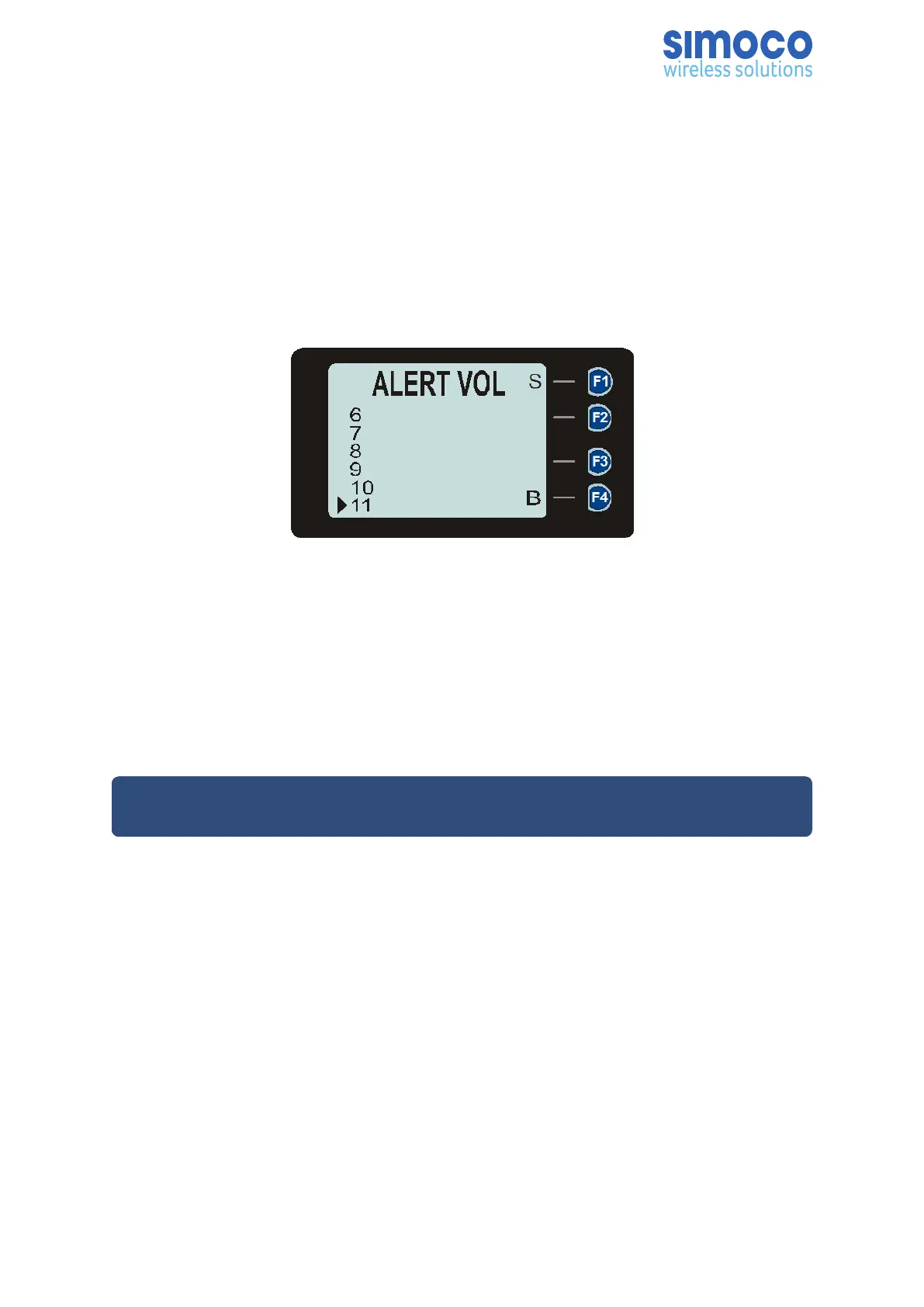
This menu allows the user to set the offset of the Alert Volume in relation to the
current Volume setting. Thus, the alert tones can be made louder or softer than the
main voice audio.
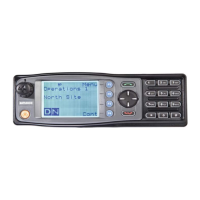
Figure 28: Alert Volume Menu screen.
The level can be set in 33 steps over the range 0 to 32, with 0 (zero) being about the
same as the voice level.
Use the ▼ and ▲ keys to select the relative alert volume level. A beep will sound at
the indicated level each time the setting is changed.
To accept and save the setting and return to the previous screen, press the ‘S’ key.
Note: A minimum Alert Level may be set by the FPP to ensure that the Alerts can
always be heard from the speaker.
6.14. SPEAKER VOLUME MENU
This menu allows the User to set the start-up value of the radio’s audio volume
control for user comfort.
The level can be set in 33 steps over the range 0 to 32, with 0 (zero) delivering no
sound, 16 is normal level and 32 giving the maximum possible output from the
speaker.
Doc Number: TNM--U-E-0108 ISSUE 1.5 Page 51


 To Next Page