20
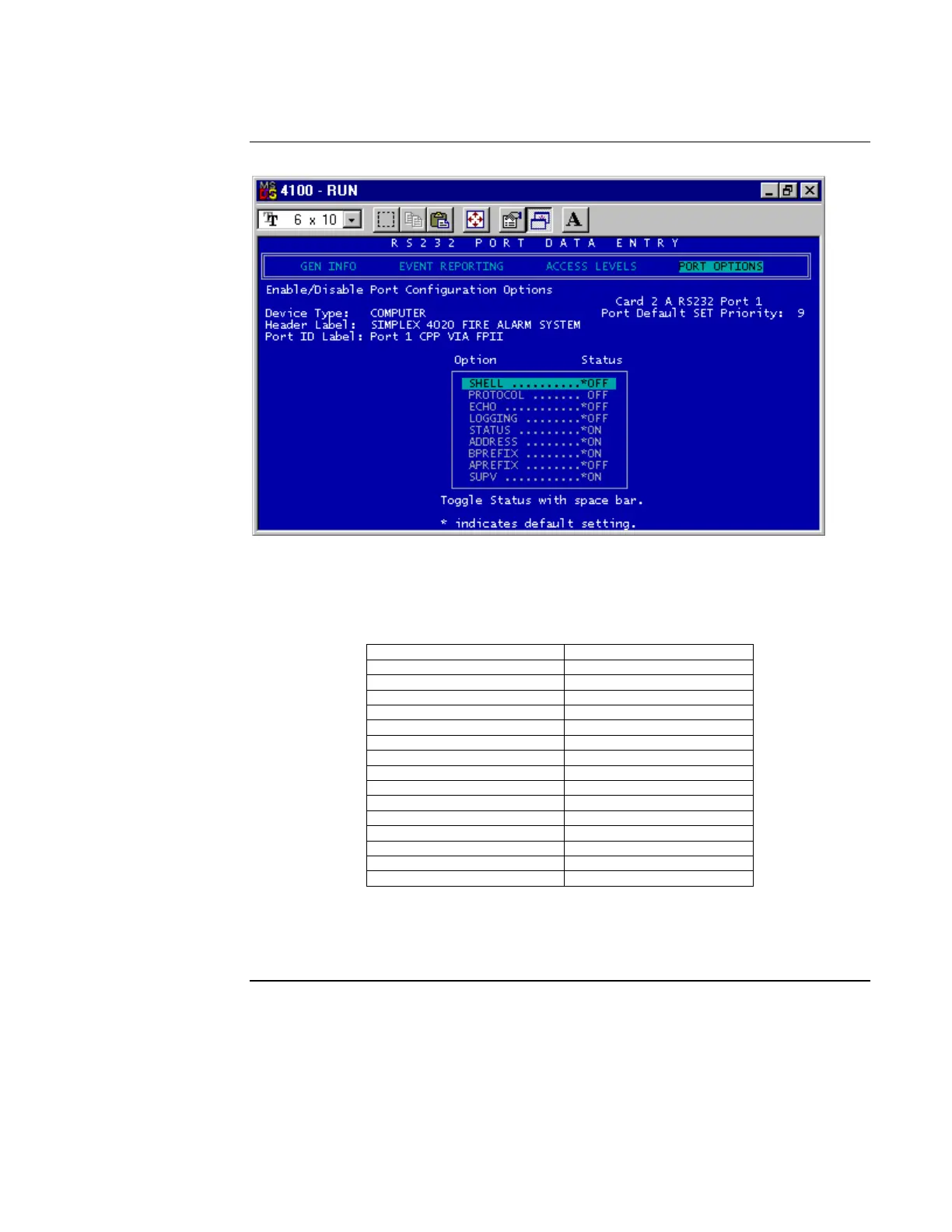
Figure 16. DOS Port Options
15. Modify the terminal flags as shown in Table 4.
Table 4. Terminal Flag Settings
Terminal Flag Description Setting
SHELL OFF
PROTOCOL OFF
ECHO OFF
LOGGING OFF
STATUS ON
ADDRESS ON
BPREFIX ON
APREFIX OFF
SUPV ON
BELLS OFF
HSHAKE OFF
POLL OFF
ATTRIB ON
LINE FEED ON
LINE WIDTH 80
16. Return to the Utilities menu. Use the arrow keys to select Save Current Job from
the Utilities menu and press Enter, or continue to build the job as necessary. The
SafeLINC FPII configuration portion is now complete.
Adding the SafeLINC FPII to the FACP via the Programmer, Continued
Using the
DOS-Based
Programmer



 To Next Page