32
Once you log in, the Home Page comes up, along with the standard SafeLINC FPII menus and
buttons.
The SafeLINC FPII Home Page is the first page users see upon logging into the system. It consists
of the following:
• Title information entered on the Customize Links screen (first appearance yields blank
information due to lack of configuration)
• Summary of panel information
• Summary of all users designated as Administrators
• System Menus
• Administration Login
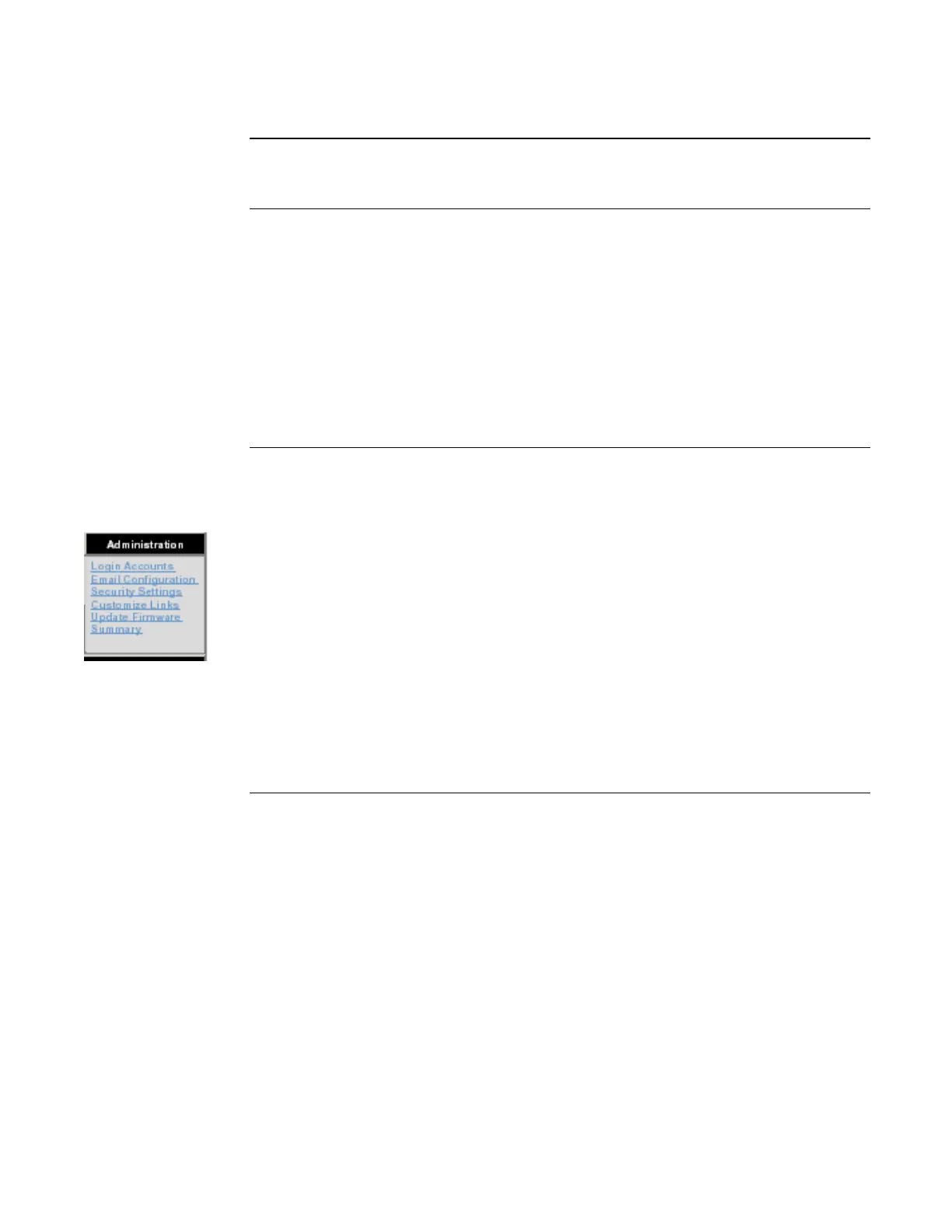
For users who have entered an Administrative password into the Administration Login field, you
now have access to the functions listed in the Administration menu on the top right side of the
screen. The Administration menu contains the following options:
Login Accounts. Gives the administrator access to all accounts. Accounts can be configured,
edited, and deleted on this screen. Refer to “Configuring User Accounts.”
Email Configuration. Lets the administrator set up the SafeLINC email functionality and
customize event messages. Refer to “Email Configuration.”
Security Settings. Lets the administrator configure lockout delay, number of login retries, logout
duration, address blocking, and more. Refer to “Security Settings.”
Customize Links. Contains fields that correspond to the links and information on the Home Page.
Refer to “The Home Page and Custom Links.”
Update Firmware. Allows the administrator to update SafeLINC FPII firmware. Refer to
“Updating Firmware.”
Summary. Shows a general system summary. Refer to “The Summary Screen.”
The Home Page
Overview
The Home Page
The Administration
Menu



 To Next Page