40
Any active Administrator can set up the Home page (the page that comes up when you click the
Home link on the right side of the screen) and the User Links page (which comes up when you
click User Links in the System Menu). The Home page and the Links page are both configurable
from the Custom Links screen.
To set up the Home and User Links pages, click the Customize Links item. Then follow the
instructions on the screen.
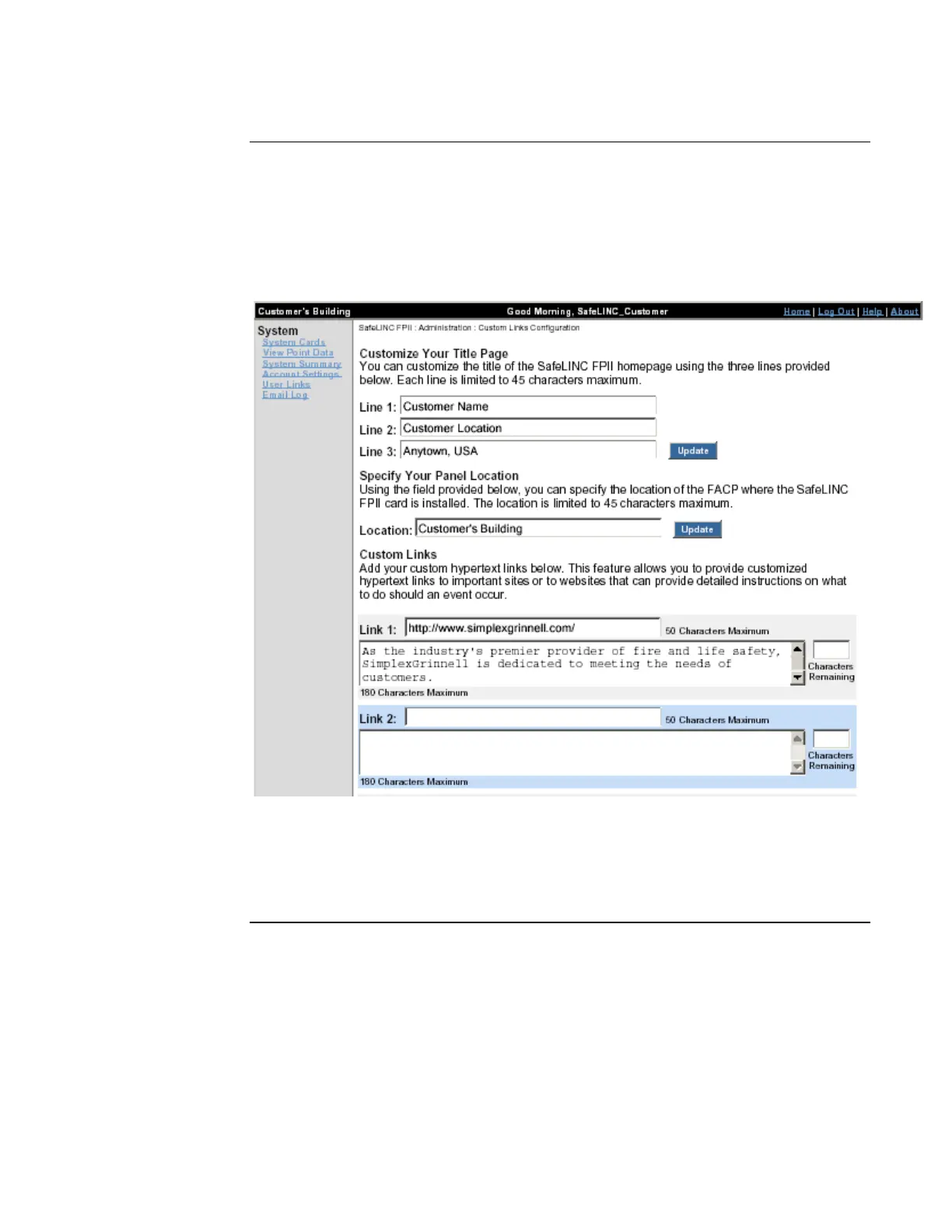
Figure 38. Custom Links Screen
When you are done entering the information, click the Update button at the bottom of the screen.
Customize Links
Setting Up the Home
and User Links
Pages
The title fields are typically
used to describe the
building or facility in which
the panel is installed.
Enter an address to appear as
a link on the User Links page.
Enter a description to appear
below the link.
The panel location description
appears in the black bar at the
top of the screen.



 To Next Page