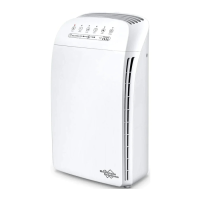
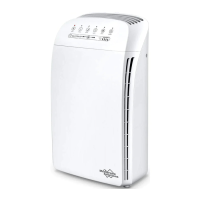
stem Contents
our SimPure
®
HP8 Air Puri�ier was carefully assembled, packaged,
nd shipped complete with all the parts you should require.
Unsure about something? Is there a problem?
Please contact SimPure
®
through our website or toll-free number.
Web: www.simpurelife.com
eMail: info@simpurelife.com
Toll-Free Phone: +1-866-528-4572
cting up the System
tep 1
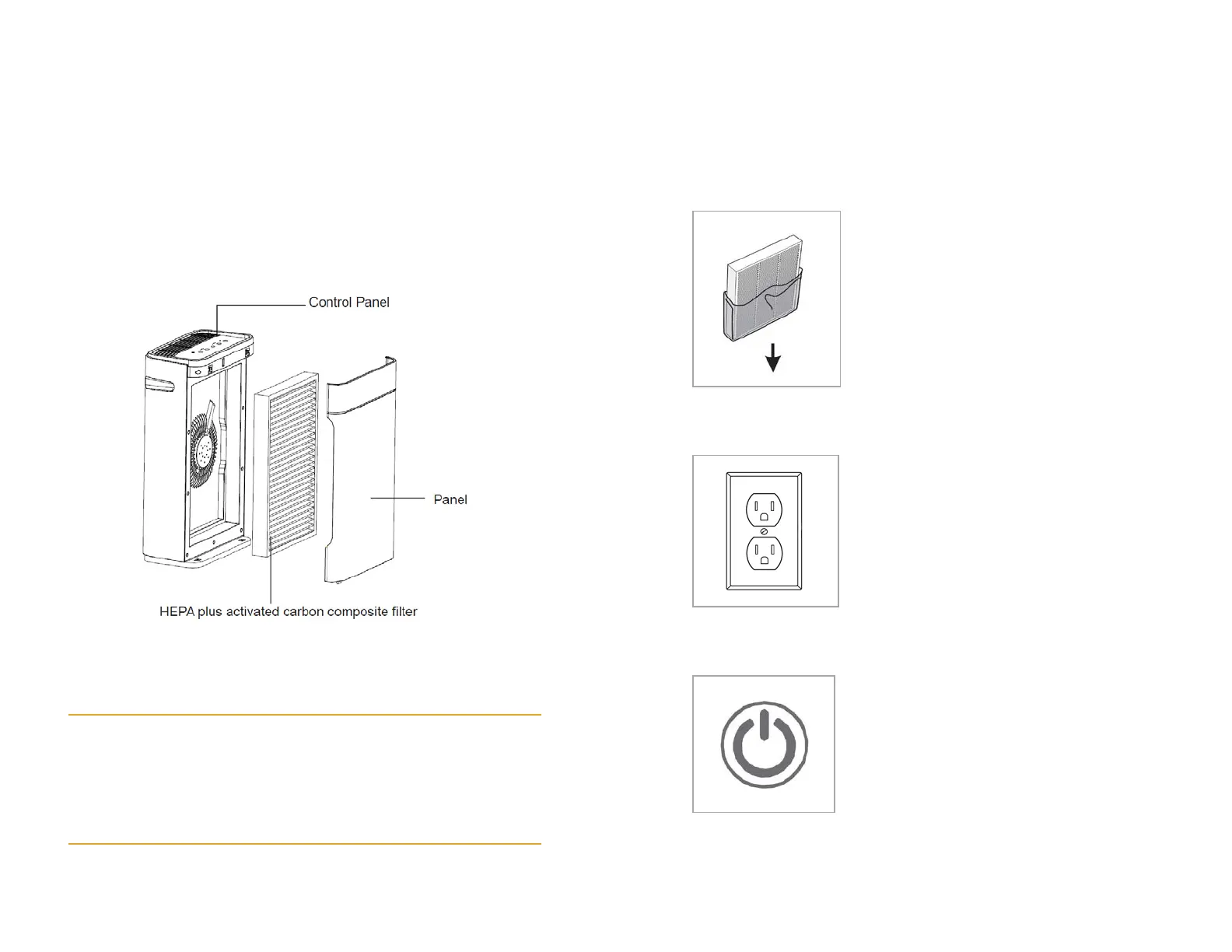
Before using the air puri�ier for the �irst
time, open the rear cover and remove the
co
mposite filter. Make sure you altogether
emove any packaging from the �ilter
lement, or the product will not function
rrectly.
tep 2
Plug the air puri�ier power plug into an
electrical outlet
Th
e puri�ier should now be in standby
ode
tep 3
Push the power button once to turn the air
puri�ier on
Th
e puri�ier should now be in operational
ode


 To Next Page